建立自訂的提示評估工作流程,首先要建立一個穩固的提示,然後生成測試資料以查看其表現如何。讓我們一起來設定一個評估系統,用於協助使用者撰寫 AWS 特定程式碼的提示。
設定目標
我們的提示需要協助使用者撰寫三種特定類型的輸出,用於 AWS 使用案例:
- Python 程式碼
- JSON 設定檔
- 正規表示式
關鍵要求是,當使用者請求協助完成某項任務時,我們會以這些格式之一回傳乾淨的輸出,不含任何額外的說明、標頭或頁尾。
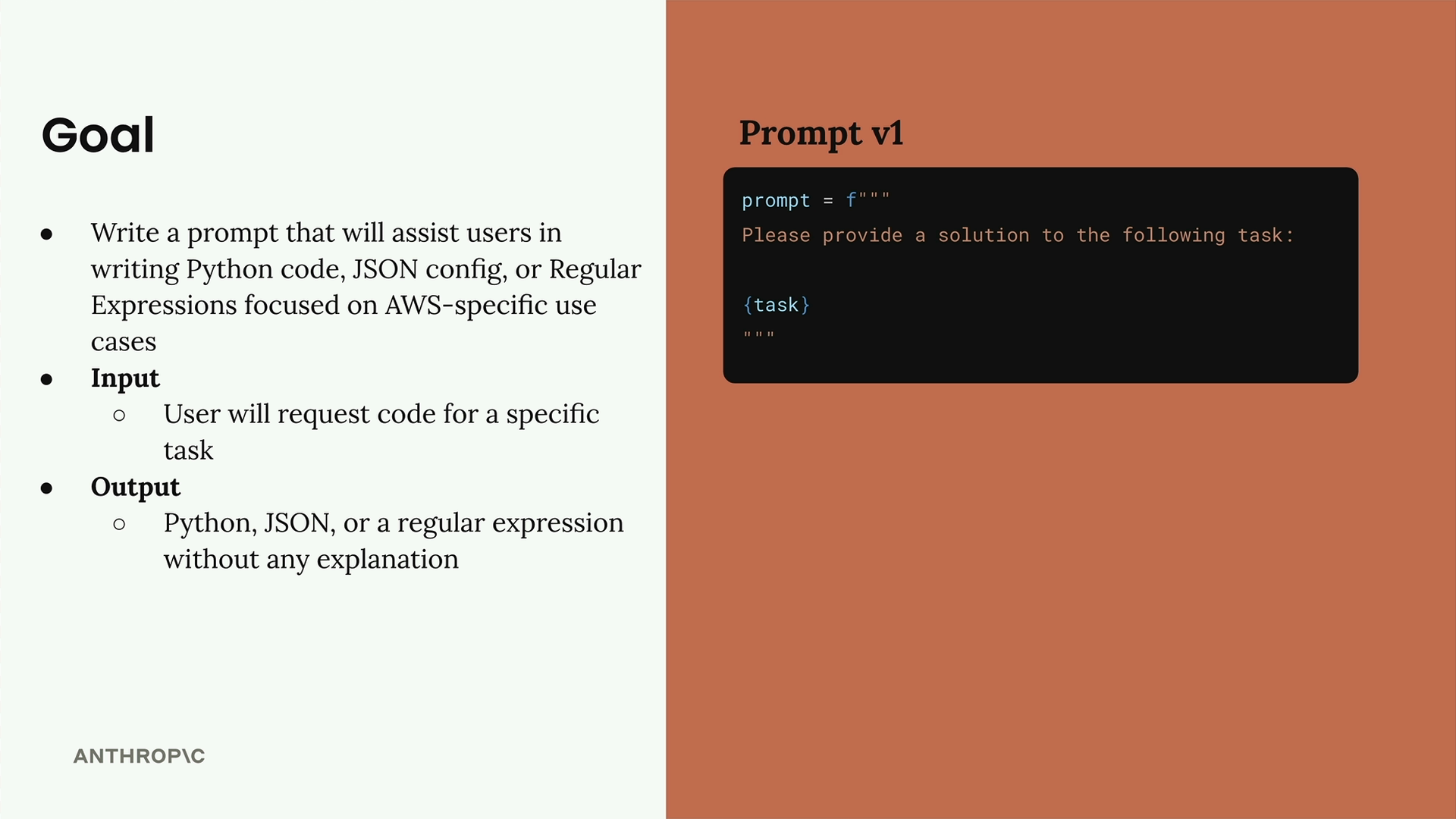
以下是我們的起始提示(版本 1):
python
prompt = f"""
Please provide a solution to the following task:
{task}
"""
建立評估資料集
評估資料集包含我們將輸入到提示中的輸入內容。對於每一組提示與輸入的組合,我們都會執行該提示並分析結果。
我們的資料集將是一個 JSON 物件陣列,其中每個物件都包含一個描述我們希望 Claude 完成的任務的「task」屬性。我們可以手動建立此資料集,也可以使用 Claude 自動生成。
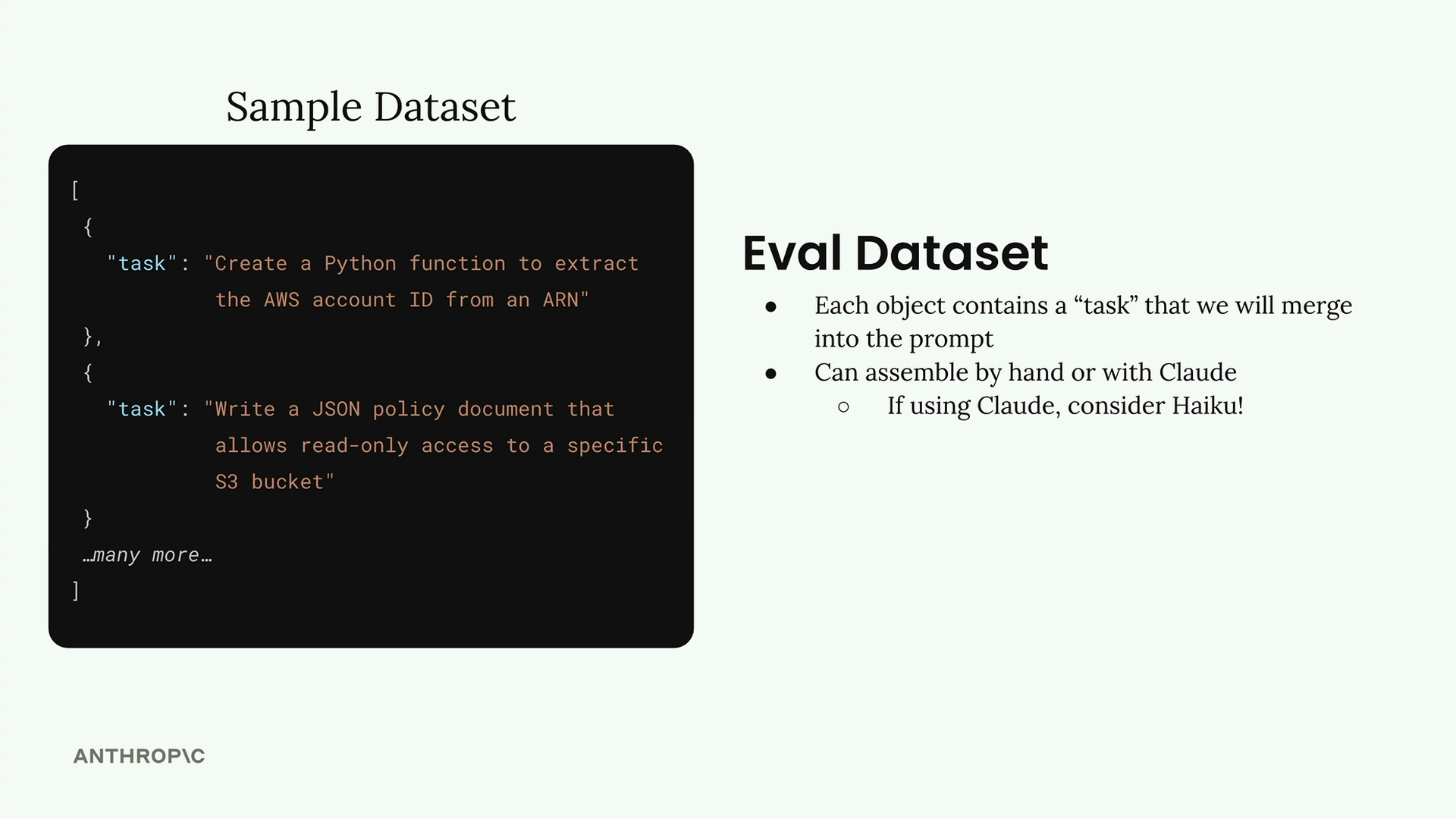
由於我們正在生成測試資料,這正是使用像 Haiku 這樣更快速的模型,而非完整版 Claude 模型的絕佳機會。
使用程式碼生成測試資料
讓我們建立一個函式,自動生成我們的測試資料集。首先,我們需要用於與 Claude 互動的輔助函式:
python
def add_user_message(messages, text):
    user_message = {"role": "user", "content": text}
    messages.append(user_message)

def add_assistant_message(messages, text):
    assistant_message = {"role": "assistant", "content": text}
    messages.append(assistant_message)

def chat(messages, system=None, temperature=1.0, stop_sequences=[]):
    params = {
        "model": model,
        "max_tokens": 1000,
        "messages": messages,
        "temperature": temperature
    }
    if system:
        params["system"] = system
    if stop_sequences:
        params["stop_sequences"] = stop_sequences

    response = client.messages.create(**params)
    return response.content[0].text
現在我們來建立資料集生成函式:
python
def generate_dataset():
    prompt = """
Generate an evaluation dataset for a prompt evaluation. The dataset will be used to evaluate prompts that generate Python, JSON, or Regex specifically for AWS-related tasks. Generate an array of JSON objects, each representing task that requires Python, JSON, or a Regex to complete.

Example output:
```json
[
  \{
    "task": "Description of task",
  \},
  ...additional
]
```

* Focus on tasks that can be solved by writing a single Python function, a single JSON object, or a single regex
* Focus on tasks that do not require writing much code

Please generate 3 objects.
"""
為了正確解析 JSON 回應,我們將使用預填與停止序列:
python
    messages = []
    add_user_message(messages, prompt)
    add_assistant_message(messages, "```json")
    text = chat(messages, stop_sequences=["```"])
    return json.loads(text)
測試資料集生成
讓我們執行函式,看看我們得到了哪些測試案例:
python
dataset = generate_dataset()
print(dataset)
這應該會回傳三個涵蓋我們目標輸出的不同測試案例——Python 函式、JSON 設定,以及用於 AWS 特定任務的正規表示式。
儲存資料集
一旦我們有了資料集,我們會將其儲存到檔案中,以便稍後在評估時輕鬆載入:
python
with open('dataset.json', 'w') as f:
    json.dump(dataset, f, indent=2)
這會在您的 notebook 所在的同一目錄中建立一個 dataset.json 檔案,其中包含準備用於提示評估的任務清單。
有了這個基礎,您現在擁有一套系統化的方法,可以生成測試資料,用於評估您的提示在不同類型的 AWS 相關程式設計任務中的表現。