Set up
Try a plugin
The Design plugin ships with /design-critique already structured to review a screen for usability, hierarchy, and consistency. If your admin manages plugins and it's not available yet, skip this step. The prompt below works without it.
/design-critiqueGet structured design feedback on usability, hierarchy, and consistency./design-systemAudit, document, or extend your design system.Connect your tools
Claude is more powerful when it works directly with your systems. You control permissions and access. Learn about tool access(opens in new tab).
Add a connector(opens in new tab) for each tool you want Claude to use.


Set your working folder
Drag the files you'll use (competitor flow screenshots, their help-center PDFs, your own current screens, your heuristic rubric) into one folder on your machine, then give Claude access to it(opens in new tab) in the Claude desktop app. Claude reads from the folder and writes the scored teardown back to it. If you do teardowns regularly, create a project(opens in new tab) from that folder so your rubric and memory stay attached.
The prompt
Copy this into Claude
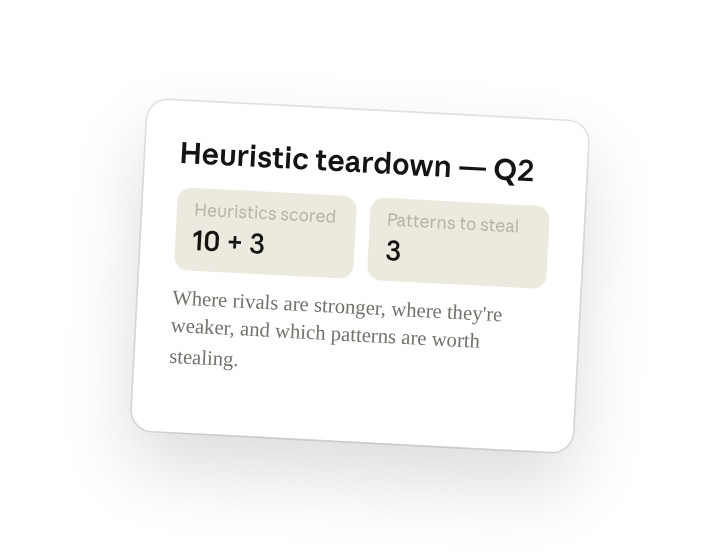
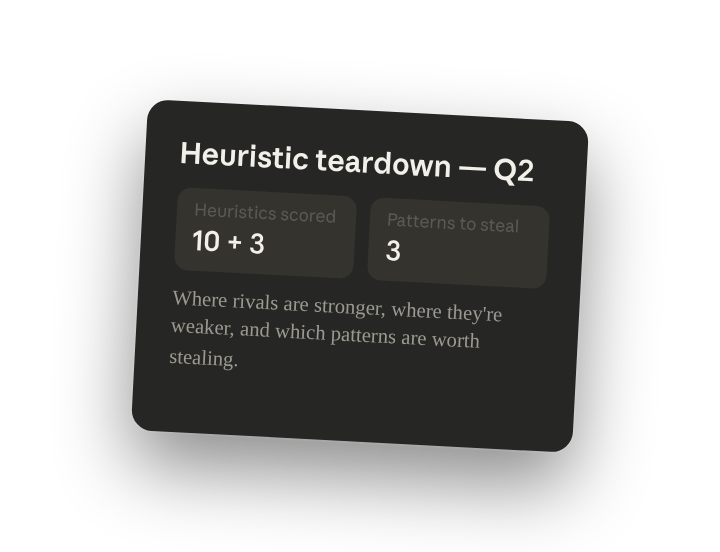
Run a heuristic audit of these competitors. Score each screen against Nielsen's ten heuristics plus our three custom ones, note where each competitor is stronger or weaker than us, and end with the three patterns worth stealing and the three to avoid.
Why this works
Score against a named rubric. Ten plus three: comparable scores, not vibes.
Compare against your own baseline. Every finding is measured against your current product.
Ask for a clear recommendation. The teardown becomes a decision, not a report.
Your source files are the evidence. Every score points at a frame in the folder.
Get a better draft
Add an example to match. Drop an example you like into the folder and Claude matches your structure and voice.
Ask it to flag uncertainty. Add "flag anything you're not confident about" so you know where to look first when you review the draft.
Make Claude work for you
Tell Claude your own rules for this task, such as your severity scale and your steal/avoid framing, then save what you've done as a skill of your own. A few minutes of conversation and it runs with your standards from then on.
Make what we've done in this task so far into a skill called /heuristic-audit.
Review the skill, and save it if Claude hasn't already.
Make it repeatable
Share it as an artifact
Competitors ship weekly; a static teardown ages fast. Ask Claude to publish the scorecard as an artifact and product leadership has one link — re-run the skill or schedule it to refresh.
Publish that teardown scorecard as an artifact. Keep a "what changed since last quarter" note at the top.
Run it after every competitor release
Ask Claude to set up a scheduled task, or open Scheduled in the sidebar, and set /heuristic-audit to run every Monday, picking up any new screenshots dropped in the folder.
Set up a scheduled task for Mondays at 10am: check Competitive/Teardown-Q2 for new screenshots and re-run /heuristic-audit, updating the scorecard and flagging any heuristic where a competitor overtook us.
Each Monday at 10am, checks the teardown folder for new screenshots, re-runs /heuristic-audit, and flags any heuristic where a competitor overtook us.
To use a folder on your computer during a scheduled task, keep your computer on and awake with the Claude desktop app open so Claude can access it.
Share with your teammates
Your /heuristic-audit skill now carries your rubric, your severity scale, and your steal/avoid framing. Share it so every designer and PM scores competitors the same way, and the quarterly review compares like with like.