Set up
Try a plugin
The Design plugin ships with /research-synthesis and other research and spec skills as a starting point, already structured to cluster observations and pull supporting quotes. If your admin manages plugins and it's not available yet, skip this; nothing below requires it.
Connect your tools
Claude Cowork is more powerful when it works directly with your systems. You control permissions and access. Learn about tool access(opens in new tab).
Navigate to Customize → Connectors in Cowork to set up.


Set your working folder
Drag the files you'll use (the raw transcripts, your discussion guide, the participant roster) into one folder on your machine, then point Cowork at it. Cowork reads from it and writes the themed findings doc back to it. If you run studies regularly, create a Cowork project(opens in new tab) from that folder so your guide, taxonomy, and memory stay attached.
The prompt
Copy this into Claude Cowork
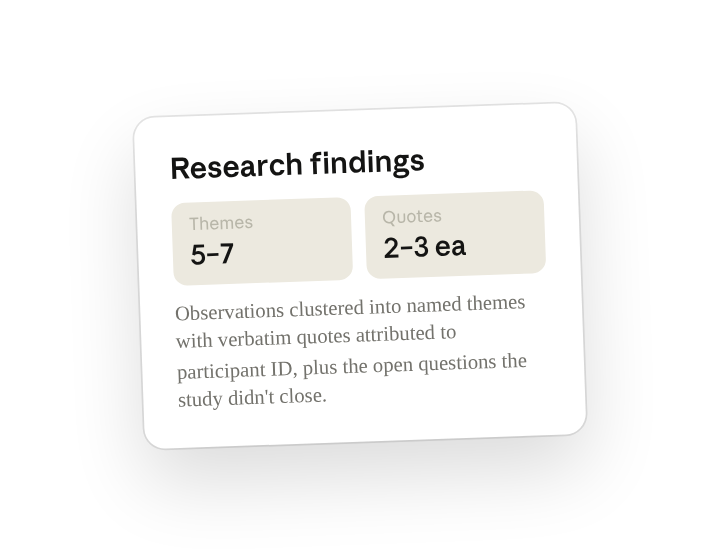
Synthesize the interview transcripts into a research findings doc. Cluster the observations into 5-7 themes, name each plainly, support each with 2-3 verbatim quotes attributed to participant ID, and end with the open questions the team still needs to answer.
Why this works
Give a number range. Five to seven forces real clustering, not a laundry list.
Ask for attributed evidence. Evidence stays in the participant's words, attributed by ID.
End on open questions. The doc tells the team what to study next.
Let the folder supply the context. Every transcript is read; nothing depends on memory.
Get a better draft
Add an example to match. Drop an example you like into the folder and Cowork matches your structure and voice.
Ask it to flag uncertainty. Add "flag anything you're not confident about" so you know where to look first when you review the draft.
Make Cowork work for you
A plugin skill is a starting point — customize it with your own practices and expertise. A few minutes of conversation and it runs with your standards from then on.
Make what we've done in this task so far into a skill, or edit the /research-synthesis skill with my feedback.
Make it repeatable
Make it a live artifact
A findings doc goes stale once the next round of interviews comes in. Ask Cowork to publish the themes as a live artifact and the product team has one link that stays current — re-run the skill or schedule it to refresh.
Publish those themes as a live artifact for the product team. Keep a "what shifted since last round" note at the top.
Run it after every interview day
Sessions wrap, the synthesis should already be cooking. Type /schedule in the prompt, or open Scheduled in the Cowork sidebar, and set the customized skill to run each evening, picking up any new transcripts in the study folder.
/schedule Weekdays at 6pm, check Research/Onboarding-Study-Q2 for new transcripts and re-run /research-synthesis, updating the findings doc and noting which themes moved.
Each weekday at 6pm, checks the study folder for new transcripts, re-runs /research-synthesis, and updates the findings doc with a note on which themes moved.
Share with your teammates
Your customized /research-synthesis now carries your taxonomy, your quote format, and your readout structure. Share it so every researcher on the team clusters the same way, and PMs see a consistent findings doc no matter who ran the study.