Set up
Try a plugin
The Design plugin ships with /design-handoff and other research and structuring skills as a starting point, already shaped to the section order most design reviews expect. If your admin manages plugins and it's not available yet, skip this; nothing below requires it.
Connect your tools
Claude Cowork is more powerful when it works directly with your systems. You control permissions and access. Learn about tool access(opens in new tab).
Navigate to Customize → Connectors in Cowork to set up.


Set your working folder
Drag the files you'll use (exported Slack threads, meeting notes, the screenshots people kept pasting) into one folder on your machine, then point Cowork at it. Cowork reads from it and writes the assembled spec back to it. If you write specs regularly, create a Cowork project(opens in new tab) from that folder so your spec template, instructions, and memory stay attached.
The prompt
Copy this into Claude Cowork
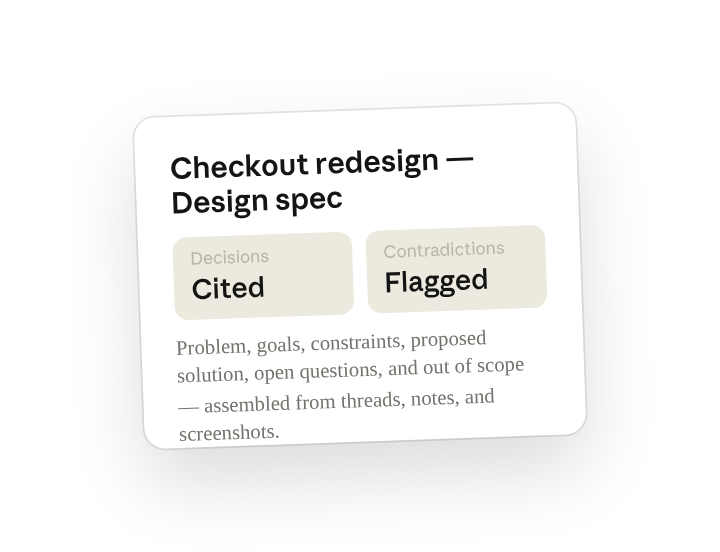
Assemble everything in this folder into a single design spec. Structure it as problem, goals, constraints, proposed solution, open questions, and out of scope. Quote the source for any decision already made and flag anything contradictory.
Why this works
Name the section order. The output matches the review template, no reshuffling.
Ask it to cite its sources. Nobody re-litigates what was already settled in Slack.
Flag contradictions explicitly. Conflicts surface before the review, not during it.
Put all the context in one place. Threads, notes, and screenshots all carry equal weight.
Get a better draft
Add an example to match. Drop an example you like into the folder and Cowork matches your structure and voice.
Ask it to flag uncertainty. Add "flag anything you're not confident about" so you know where to look first when you review the draft.
Make Cowork work for you
A plugin skill is a starting point — customize it with your own practices and expertise. A few minutes of conversation and it runs with your standards from then on.
Make what we've done in this task so far into a skill, or edit the /design-handoff skill with my feedback.
Make it repeatable
Make it a live artifact
A spec is out of date the moment someone replies in the channel. Ask Cowork to publish it as a live artifact and the cross-functional team has one link that stays current — re-run the skill or schedule it to refresh.
Publish that spec as a live artifact for the squad. Keep a "decisions changed since last version" section at the top.
Run it the morning before every review
Review is on the calendar, the spec should already reflect last night's thread. Type /schedule in the prompt, or open Scheduled in the Cowork sidebar, and set the customized skill to run each morning, re-reading the channel and folder.
/schedule Weekdays at 8am, re-read #checkout-redesign and Design/Checkout-Redesign and re-run /design-handoff, updating the spec file and listing any decisions that changed overnight.
Each weekday at 8am, re-reads the project channel and folder, re-runs /design-handoff, and updates the spec with a list of decisions that changed overnight.
Share with your teammates
Your customized /design-handoff now carries your section order, your decision-log format, and your contradiction flags. Share it so every designer on the team writes specs the same way, and reviewers know exactly where to look no matter who owns the project.