Set up
Try a plugin
The Sales plugin ships with /call-summary and other voice-of-customer skills as a starting point, already structured to read a batch of transcripts and roll them up into named themes with counts and quotes. If your admin manages plugins and it's not available yet, skip this; nothing below requires it.
Connect your tools
Claude Cowork is more powerful when it works directly with your systems. You control permissions and access. Learn about tool access(opens in new tab).
Navigate to Customize → Connectors in Cowork to set up.


Set your working folder
Drag the files you'll use (the transcript exports, any prior themes brief, your theme taxonomy if you have one) into one folder on your machine, then point Cowork at it. Cowork reads every transcript in place and writes the themes brief back to the same folder. If you run this every quarter, create a Cowork project(opens in new tab) from that folder so your taxonomy, instructions, and memory stay attached.
The prompt
Copy this into Claude Cowork
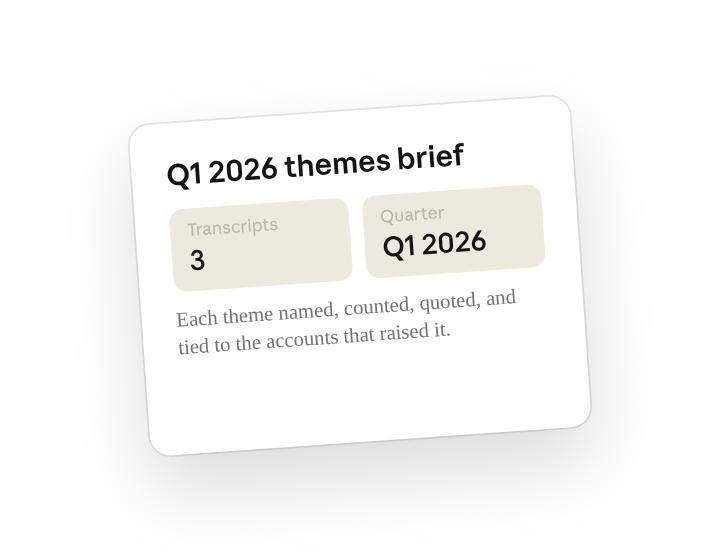
Read every transcript in this folder and cluster what customers are saying into themes. For each theme give me the count, the best one-line quote, and which accounts said it. Write the one-page themes brief to the folder for product and marketing.
Why this works
Ask for the evidence behind each finding. "Count, best one-line quote, which accounts" turns each theme into evidence, so product and marketing can size it and hear it in the customer's words.
Name the audience. "Share with product and marketing" tells Cowork to write a brief, not a spreadsheet, and to lead with what those teams act on rather than a raw cluster dump.
Set a length limit. Asking for a one-page brief forces ranking by frequency, so the long tail of one-off mentions doesn't bury the three themes that matter.
Keep source and output in one folder. Every transcript sits in the working folder, so Cowork reads the full quarter in one pass and writes the brief back next to the source files for traceability.
Get a better draft
Add an example to match. Drop an example you like into the folder and Cowork matches your structure and voice.
Ask it to flag uncertainty. Add "flag anything you're not confident about" so you know where to look first when you review the draft.
Make Cowork work for you
A plugin skill is a starting point — customize it with your own practices and expertise. A few minutes of conversation and it runs with your standards from then on.
Make what we've done in this task so far into a skill, or edit the /call-summary skill with my feedback.
Make it repeatable
Run it as the quarter closes
Themes are most useful when they land before planning, not after. Type /schedule in the prompt, or open Scheduled in the Cowork sidebar, and the customized skill reads the quarter's folder and writes the brief as soon as the new quarter folder appears.
/schedule Every Monday at 9am, if a new quarter folder exists under Calls, run /call-summary on the previous quarter's folder and write the themes brief there. Include a section on what's new versus last quarter.
Runs /call-summary on the previous quarter's transcript folder and writes the one-page brief, with a section on what's new versus last quarter.
Share with your teammates
Your customized /call-summary now carries your taxonomy, your segment splits, and your brief format. Share it so anyone on the CS or sales team can run it on their own calls, and product hears the same theme names from every region.