Set up
Try a plugin
The Operations plugin ships with /runbook and /status-report as a starting point, already structured to walk a war room and frame the customer impact. In Step 3 you'll save your own version as /incident-review. If your admin manages plugins and it's not available yet, skip this; nothing below requires it.
Connect your tools
Claude Cowork is more powerful when it works directly with your systems. You control permissions and access. Learn about tool access(opens in new tab).
Navigate to Customize → Connectors in Cowork to set up.


Set your working folder
Drag the files you'll use (your customer-postmortem template, an export of the war room, the ticket CSV) into one folder and point Cowork at it. Cowork reads the template from there and writes the draft, the impacted-customer list, and the remediation tracker back to it. Create a Cowork project(opens in new tab) from your incident-reviews folder so the template, tone guide, and SLA definitions stay attached.
The prompt
Copy this into Claude Cowork
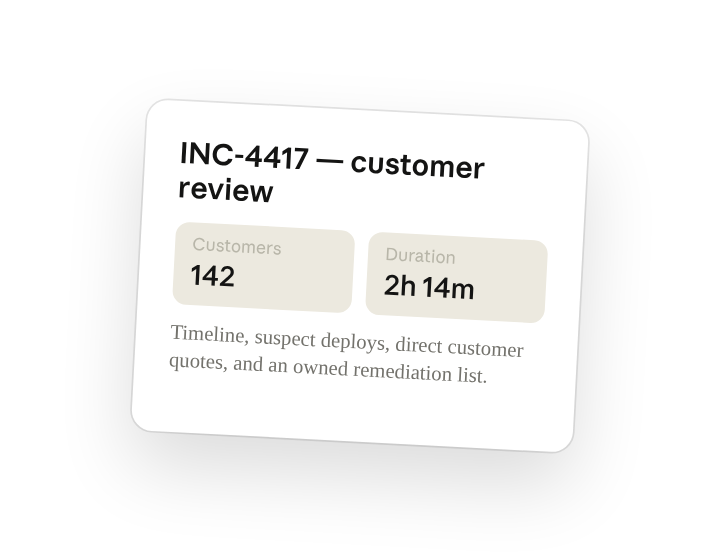
Draft the customer-facing incident review for INC-4417. Pull the war-room thread, tickets from the impact window, deploys from the prior 24 hours, and direct customer quotes. Reconstruct the timeline, quantify how many customers were impacted and for how long, and write the first cut in our template with recommended remediation owners.
Why this works
Name the audience up front. The register changes; this is the doc your CSMs forward, not the engineering retro.
Quantify the impact. "How many, for how long" forces a number you can put in the SLA-credit conversation.
Ask for direct quotes. The affected-customer voice is the part leadership pays attention to; ask for it explicitly.
Set a time range. Tickets and deploys are bounded by the incident timestamps, so the suspect list is short and relevant.
Get a better draft
Separate internal from external. Add "write an internal appendix with the suspect deploys; keep the customer doc to impact and remediation" so one run produces both.
Add an example to match. Drop a past review you were proud of in the folder and Cowork matches the structure and the apology tone your brand uses.
Make Cowork work for you
A plugin skill is a starting point — customize it with your own practices and expertise. A few minutes of conversation and it runs with your standards from then on.
Make what we've done in this task so far into a skill, or edit the /incident-review skill with my feedback.
Make it repeatable
Run it when the war room closes
The customer doc should exist before the first CSM asks for it. Type /schedule in the prompt, or open Scheduled in the Cowork sidebar, and the customized skill watches for closed war rooms and writes the first cut.
/schedule Every weekday at 9am, check for any #inc- channel marked resolved in the last 24 hours, run /incident-review on it, and write the draft to Support/Incidents/<incident-id>/customer-review.md.
Daily at 9am, finds war rooms resolved in the last 24h, runs /incident-review on each, and writes the customer-facing draft to the incident folder.
Share with your teammates
Your customized /incident-review now carries your template, your tone guide, and your SLA-credit language. Share it so every incident gets the same customer doc, whichever support lead was on shift.
What changes after an incident
The customer-facing incident review is drafted from the source record with impact quantified and remediation assigned — ready to edit and send rather than write from scratch.
You did this for one incident. The same approach covers internal retros, status-page updates, and SLA-credit summaries — each one becomes a skill your team runs the same way.