Set up
Try a plugin
The Regulatory Legal plugin ships with /policy-diff and other regulatory-change skills as a starting point, already structured to read a new rule against your current policies and pull out which ones it touches and where the gaps are. It's one of twelve practice-area plugins for legal teams; if your admin manages plugins and it's not available yet, skip this, nothing below requires it.
/policy-diffDiff a specific regulatory change against the indexed policy library./reg-feed-watcherCheck regulatory feeds now and report what's new since the last check, filtered by your materiality threshold./cold-start-interviewCold-start interview — builds your watchlist, indexes the policy library, and learns your materiality threshold so the monitor surfaces signal instead of noise.Connect your tools
Claude Cowork is more powerful when it works directly with your systems. You control permissions and access. Learn about tool access(opens in new tab).
Navigate to Customize → Connectors in Cowork to set up.


Set the working folder
Put the regulation PDF, your product descriptions, and your current policies in one folder on your machine, then in Cowork click + Add folder and select it. Save it as a Cowork project(opens in new tab) so your product context, instructions, and memory stay attached for the next rule that drops — Cowork reads from the folder and writes the applicability brief and action table back to it.
When a task runs locally, Cowork reads these files on your computer; when it runs in the cloud, the files it uses leave your device and are processed on Anthropic's servers. On Team and Enterprise plans they aren't used to train Claude either way (how Cowork handles your data(opens in new tab)); on Pro and Max that follows your model-improvement setting.
The prompt
Copy this into Claude Cowork
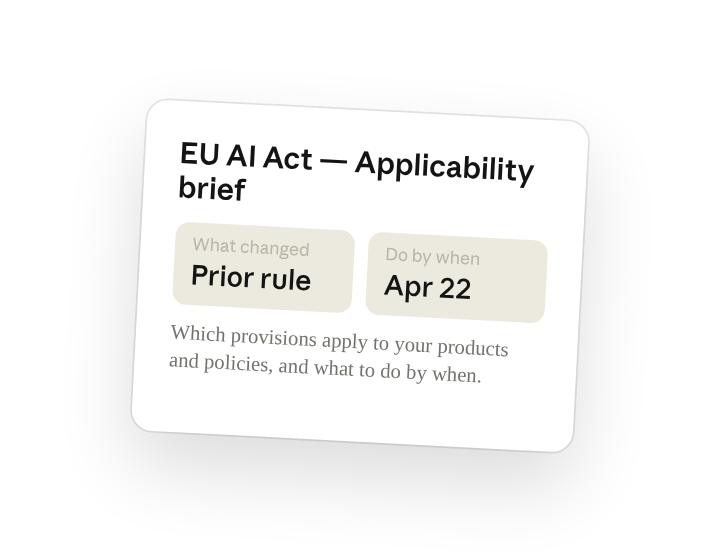
Read this regulation against our product descriptions and current policies. Draft the compliance brief: what changed from the prior rule, which provisions apply to us and why, and for each what we need to do and by when. Save it to the folder for product and compliance leads.
Why this works
Compare against your own documents. "Against our product descriptions and current policies" turns a 400-page rule into an applicability call, so the brief talks about your products by name, not the regulation in the abstract.
Ask for what's changed since last time. "What changed from the prior rule" skips the parts you already comply with and puts the new obligations at the top of the brief.
Pair each action with a deadline. "What we need to do and by when" makes every applicable provision land as an owner-ready task with a deadline, not a paragraph of analysis.
Let the working folder supply context. The regulation, your product descriptions, and your policies sit in the working folder, so the brief is written against what you actually ship and the action table is saved next to the source text.
Get a better draft
Add an example to match. Drop a past applicability brief you like into the folder and Cowork matches your structure and voice.
Ask it to flag uncertainty. Add "flag any provision where you're not sure it applies to us" so you know which applicability calls to check first when you review the draft.
Make Cowork work for you
A plugin skill is a starting point — customize it with your own practices and expertise. A few minutes of conversation and it runs with your standards from then on.
Make what we've done in this task so far into a skill, or edit the /policy-diff skill with my feedback.
Make it repeatable
Run it on every new regulation
A final rule drops, the applicability brief should already be drafting. Type /schedule in the prompt, or open Scheduled in the Cowork sidebar, and the customized skill runs whenever a new regulation is added to the watch folder. Scheduled tasks run in the cloud unless they need files on your machine; this one reads a local watch folder, so it runs locally.
/schedule Weekdays at 9am, check Regulatory/Watch for any new file and run /policy-diff against it and write the applicability brief and action table to a subfolder named for the regulation.
Runs /policy-diff on every new file in Regulatory/Watch and writes the brief and action table to a subfolder named for the regulation.
Share with your teammates
Your customized /policy-diff now carries your policy library, your jurisdictions, and your memo format. Share it so product, privacy, and compliance all read the same brief, and the action table follows the same structure every time a rule drops.