Set up
Try a plugin
The Litigation Legal plugin is the starting point: its drafting skills, like /brief-section-drafter, tag every citation with the research source it came from and flag anything drawn from model knowledge alone as [verify], so you know what to confirm before anyone relies on the memo. Later on this page you'll save the way you run this memo as your own /research-memo skill. It's one of twelve practice-area plugins for legal teams; if your admin manages plugins and it's not available yet, skip this, nothing below requires it.
/brief-section-drafterDraft a brief section in house style, consistent with the case theory — every fact cited, every case checked, every argument tied to the theory./chronologyBuild or update a chronology from declared document sources and uploads — dated events extracted, de-duped, and tagged by significance per the matter theory./cold-start-interviewHouse cold-start for the litigation plugin — branches by role (in-house, firm associate, solo) and side (plaintiff, defense, both), captures risk calibration, landscape, and house style, and writes the practice profile.Connect your tools
Claude Cowork is more powerful when it works directly with your systems. You control permissions and access. Learn about tool access(opens in new tab).
Navigate to Customize → Connectors in Cowork to set up.

Set the working folder
Put the research request, the relevant facts, and a prior memo in your house format in one folder on your machine, then in Cowork click + Add folder and select it. Save it as a Cowork project(opens in new tab) so your memo format, instructions, and memory stay attached for the next question — Cowork reads from the folder and writes the memo back to it.
Files you add stay on your machine and aren't used to train Claude — Cowork reads them locally to do the work.
The prompt
Copy this into Claude Cowork
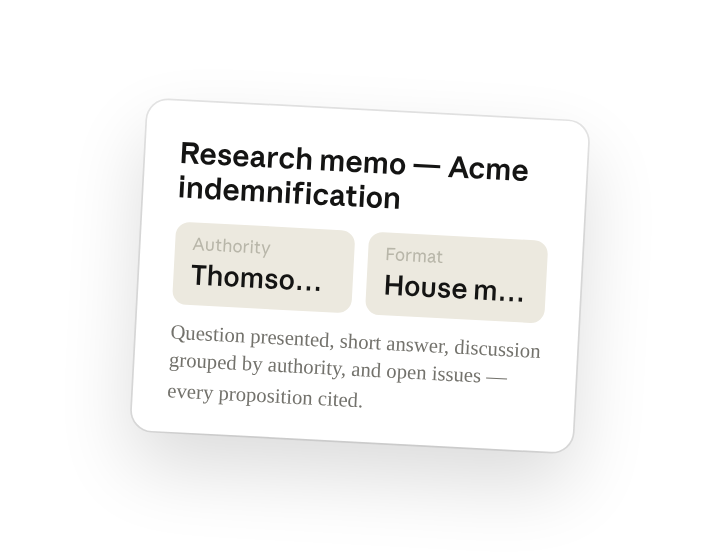
Research this question. Surface the relevant case law and regulatory guidance via Thomson Reuters and draft a research memo: question presented, short answer, the discussion grouped by authority, and a list of open issues. Cite every proposition to the source you relied on.
Why this works
Name the source. "Via Thomson Reuters" routes the search to authoritative content, so the citations are verifiable instead of plausible.
Dictate the structure. Question presented, short answer, discussion, open issues is the format your readers expect, so the draft is editable rather than rewritable.
Require a citation for every proposition. Forces the memo to show its work, and you can spot the unsupported sentence at a glance.
Let the working folder supply the facts. The request and the relevant facts sit in the folder, so the memo applies the law to your situation rather than restating it in the abstract.
Get a better draft
Add an example to match. Drop a memo you like into the folder and Cowork matches your structure, citation style, and voice.
Ask it to flag uncertainty. Add "flag anything you're not confident about" so you know where to look first when you review the draft.
Make Cowork work for you
The plugin is a starting point — save the way you just ran this memo as a skill of your own, with your practices and expertise built in. A few minutes of conversation and it runs with your standards from then on.
Make what we've done in this task so far into a skill called /research-memo, with my house format, citation style, and jurisdictions built in.
Make it repeatable
Run it on every new question
A research request lands in the intake folder, the cited first draft should already be writing. Type /schedule in the prompt, or open Scheduled in the Cowork sidebar, and the customized skill runs whenever a new request is added.
/schedule Weekdays at 9am, check Research/Intake for new requests and run /research-memo on each one, saving the memo to a subfolder named for the question.
Runs /research-memo on every new request in Research/Intake and saves the cited memo to a subfolder named for the question.
Share with your teammates
Your /research-memo skill now carries your house format, your citation style, and your jurisdictions. Share it so every memo the team produces reads the same way, and the requester gets a consistent first draft no matter who picks it up.