Set up
Try a plugin
The Engineering plugin ships with /standup and other incident-and-ops skills as a starting point, already structured to summarize a shift from the alert stream. If your admin manages plugins and it's not available yet, skip this; nothing below requires it.
Connect your tools
Claude Cowork is more powerful when it works directly with your systems. You control permissions and access. Learn about tool access(opens in new tab).
Navigate to Customize → Connectors in Cowork to set up.


Set your working folder
Drag the files you'll use (your handoff template, last week's brief, the runbook index) into one folder and point Cowork at it. Cowork reads the template from there and writes the brief and the watch-list back to it. Create a Cowork project(opens in new tab) from your on-call folder so the template, channel list, and severity definitions stay attached every rotation.
The prompt
Copy this into Claude Cowork
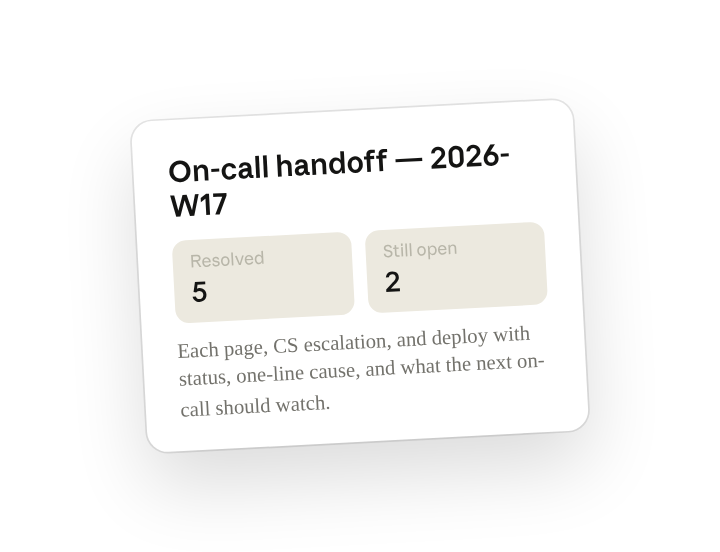
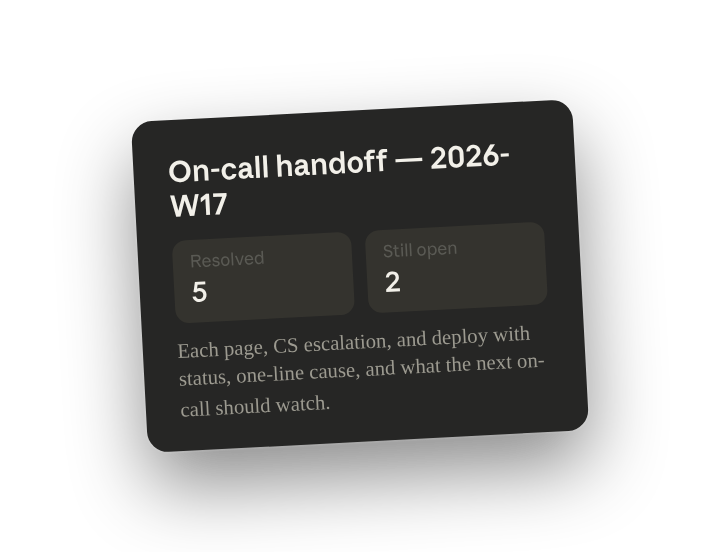
Write the on-call handoff for my shift. Cover pages and incident channels from the last 7 days, CS escalations from #support-escalations, and production deploys. For each, note status (resolved, monitoring, still open), the one-line cause if known, and what the next on-call should watch. Write it to the on-call folder and post it to #oncall.
Why this works
Name every source you need. Pages, CS escalations, and deploys are the three things that wake the next person up; naming all three means nothing falls between systems.
Specify the fields for each item. That triplet is exactly what the next shift needs to triage at 2am; the brief comes back already shaped that way.
Say where the output should go. The doc is saved to the folder for the record and in #oncall so the next engineer actually sees it.
Include the previous version for context. Anything you marked "monitoring" last rotation carries forward instead of getting dropped.
Get a better draft
Ask for the noisy alerts. Add "list any alert that fired more than 3 times so we can tune it" and the handoff doubles as the alert-hygiene backlog.
Ask it to link runbooks. Add "for anything still open, link the relevant runbook" so the next on-call has the fix one click away.
Make Cowork work for you
A plugin skill is a starting point — customize it with your own practices and expertise. A few minutes of conversation and it runs with your standards from then on.
Make what we've done in this task so far into a skill, or edit the /standup skill with my feedback.
Make it repeatable
Run it at rotation change
Handoff happens the same hour every week. Type /schedule in the prompt, or open Scheduled in the Cowork sidebar, and the customized skill writes the brief at the end of every rotation, whether you remembered or not.
/schedule Every Monday at 9am, run /standup over the prior 7 days of pages, #support-escalations, and prod deploys, write the handoff to Platform/Oncall/<week>.md, and post it to #oncall.
Runs /standup over the week's pages, CS escalations, and deploys, writes the brief to the on-call folder, and posts it to #oncall.
Share with your teammates
Your customized /standup now carries your channel list, your status labels, and your team's handoff template. Share it so every engineer in the rotation produces the same brief, and nobody starts a shift blind because the last person was too tired to write it up.