Set up
Try a plugin
The Engineering plugin ships with /incident-response and other incident-and-ops skills as a starting point, already structured to walk an incident channel and reconstruct a timeline. If your admin manages plugins and it's not available yet, skip this; nothing below requires it.
Connect your tools
Claude Cowork is more powerful when it works directly with your systems. You control permissions and access. Learn about tool access(opens in new tab).
Navigate to Customize → Connectors in Cowork to set up.


Set your working folder
Drag the files you'll use (your postmortem template, the runbook, any log exports or graph screenshots) into one folder and point Cowork at it. Cowork reads the template from there and writes the draft, the timeline, and the action-item tracker back to it. Create a Cowork project(opens in new tab) from your incidents folder so your template, severity definitions, and blameless-language guide stay attached.
The prompt
Copy this into Claude Cowork
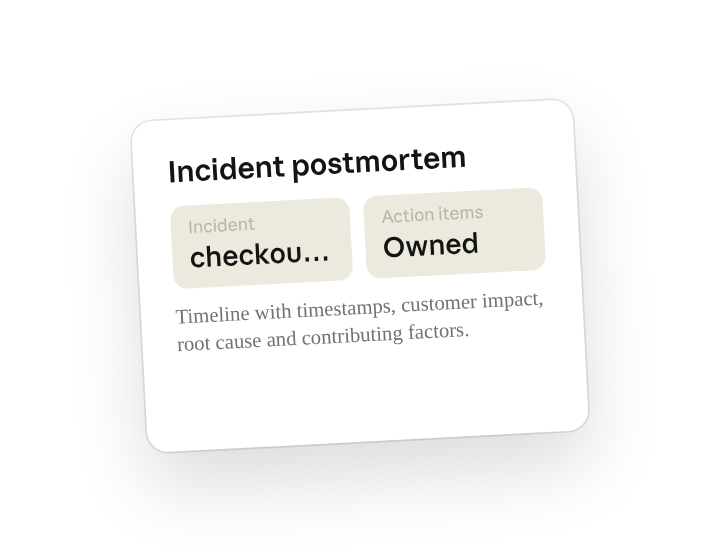
From #inc-2026-04-22-checkout-5xx, reconstruct the sequence of events with timestamps, write the customer impact summary, identify the root cause and contributing factors, and draft the postmortem in our template with owners on every action item. Be blameless: describe what the system did, not who made a mistake.
Why this works
Reconstruct, don't summarize. Asking for the timestamped sequence means the timeline is built from evidence, not memory.
Separate root cause from contributing factors. Forces a real causal chain instead of a single scapegoat line.
State the tone you want. Language stays on system behavior; the doc survives review.
Provide your template as context. Output drops straight into your sections, your severity scale, your action-item format.
Get a better draft
Add an example to match. Drop an example you like into the folder and Cowork matches your structure and voice.
Ask it to flag uncertainty. Add "flag anything you're not confident about" so you know where to look first when you review the draft.
Make Cowork work for you
A plugin skill is a starting point — customize it with your own practices and expertise. A few minutes of conversation and it runs with your standards from then on.
Make what we've done in this task so far into a skill, or edit the /incident-response skill with my feedback.
Make it repeatable
Run it when the incident closes
The draft should exist before the review meeting is scheduled. Type /schedule in the prompt, or open Scheduled in the Cowork sidebar, and the customized skill watches for resolved incidents and writes the first draft into the matching folder.
/schedule Every weekday at 6pm, check PagerDuty for incidents resolved in the last 24 hours, run /incident-response on each one, and write the draft to Incidents/<incident-id>/incident-response-draft.md.
Daily at 6pm, finds incidents resolved in the last 24h, runs /incident-response against the channel and timeline, and writes the draft to the incident folder.
Share with your teammates
Your customized /incident-response now carries your template, your severity definitions, and your blameless-language rules. Share it so every on-call engineer writes the doc the same way, and the review meeting starts at "is this right" instead of "who's writing this up."