Set up
Try a plugin
The Productivity plugin ships with /memory-management so Cowork can save what it learns about how you work; you'll build your own /my-voice on top. If your admin manages plugins and it's not available yet, skip this; nothing below requires it.
Connect your tools
Claude Cowork is more powerful when it works directly with your systems. You control permissions and access. Learn about tool access(opens in new tab).
Navigate to Customize → Connectors in Cowork to set up.
'%3e%3cpath%20d='M11.9091%2034H16.3636V23.6969L10%2019.1515V32.1818C10%2033.1879%2010.8559%2034%2011.9091%2034Z'%20fill='%234285F4'/%3e%3cpath%20d='M31.6364%2034H36.0909C37.1473%2034%2038%2033.1848%2038%2032.1818V19.1515L31.6364%2023.6969'%20fill='%2334A853'/%3e%3cpath%20d='M31.6364%2015.8182V23.6969L38%2019.1515V16.7272C38%2014.4788%2035.305%2013.1969%2033.4182%2014.5454'%20fill='%23FBBC04'/%3e%3cpath%20d='M16.3636%2023.697V15.8182L24%2021.2727L31.6364%2015.8182V23.697L24%2029.1515'%20fill='%23EA4335'/%3e%3cpath%20d='M10%2016.7272V19.1515L16.3636%2023.6969V15.8182L14.5818%2014.5454C12.6918%2013.1969%2010%2014.4788%2010%2016.7272Z'%20fill='%23C5221F'/%3e%3c/g%3e%3cdefs%3e%3cclipPath%20id='clip0_4766_38693'%3e%3crect%20width='28'%20height='20'%20fill='white'%20transform='translate(10%2014)'/%3e%3c/clipPath%3e%3c/defs%3e%3c/svg%3e)


Set your working folder
This one runs almost entirely through connectors, so the working folder is optional. If you'd rather not connect mail, export a folder of writing samples (sent emails, docs you're proud of) and point Cowork at that instead. Either way, create a Cowork project(opens in new tab) so the voice profile and your later corrections stay attached.
The prompt
Copy this into Claude Cowork
Read my sent messages and tell me about my tone and writing style.
Why this works
Start simple. A short, open ask gets you a first read on your voice fast. You can sharpen it from there.
Your real writing is the corpus. Reading what you actually sent, not a curated best-of, means the profile catches your real habits.
Get a better draft
Add an example to match. Drop an example you like into the folder and Cowork matches your structure and voice.
Ask it to flag uncertainty. Add "flag anything you're not confident about" so you know where to look first when you review the draft.
Make Cowork work for you
The first profile is a snapshot; your voice keeps moving. Every time you edit a draft Cowork wrote and think "I wouldn't say it like that," feed the correction back. Tell Cowork to add the rule to /my-voice, or just say "remember that" in the moment and Cowork writes it into the skill's memory. Over a few weeks the profile tightens until the drafts barely need editing.
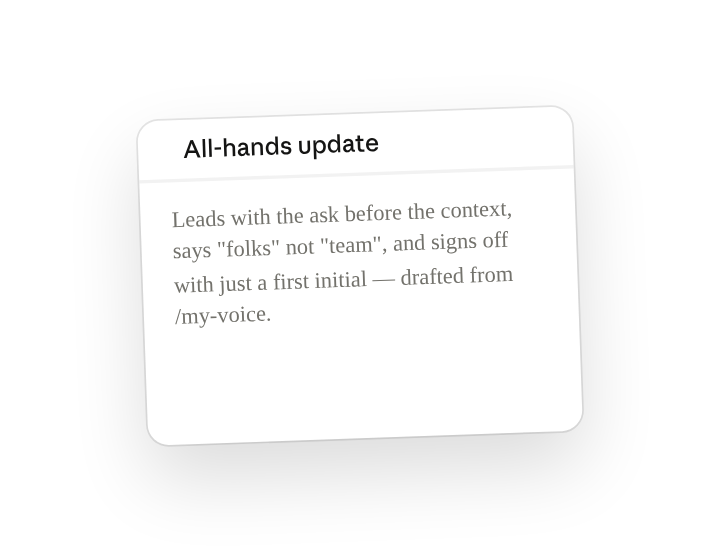
Update /my-voice with what I just changed in that draft: I never open with "Hope you're well," I use "folks" not "team," I lead with the ask before the context, and I sign off with just my first initial on internal mail. Save those as rules in the skill and add this edited draft to the examples so future drafts match it.
Make it repeatable
Refresh the profile monthly
Your writing shifts as your role does. Type /schedule in the prompt, or open Scheduled in the Cowork sidebar, and Cowork re-reads the last 90 days each month and merges what's new into the skill without losing the rules you've added by hand.
/schedule Every Sunday at 6pm, re-read my sent mail and Slack from the last 90 days, update the /my-voice profile with anything new, and keep every rule I've added manually intact.
Re-reads the last 90 days of sent mail and Slack and merges anything new into /my-voice, preserving your hand-added rules.
Share with your teammates
/my-voice is personal by design, but the pattern is worth spreading. Share the base skill (without your profile) so teammates can build their own in one prompt, or share your version with an EA or comms partner who drafts on your behalf.