Set up
Try a plugin
The Productivity plugin ships with /start and /update as a starting point, already structured to read your calendar and channels and rank what matters. If your admin manages plugins and it's not available yet, skip this; nothing below requires it.
Connect your tools
Claude Cowork is more powerful when it works directly with your systems. You control permissions and access. Learn about tool access(opens in new tab).
Navigate to Customize → Connectors in Cowork to set up.


'%3e%3cpath%20d='M11.9091%2034H16.3636V23.6969L10%2019.1515V32.1818C10%2033.1879%2010.8559%2034%2011.9091%2034Z'%20fill='%234285F4'/%3e%3cpath%20d='M31.6364%2034H36.0909C37.1473%2034%2038%2033.1848%2038%2032.1818V19.1515L31.6364%2023.6969'%20fill='%2334A853'/%3e%3cpath%20d='M31.6364%2015.8182V23.6969L38%2019.1515V16.7272C38%2014.4788%2035.305%2013.1969%2033.4182%2014.5454'%20fill='%23FBBC04'/%3e%3cpath%20d='M16.3636%2023.697V15.8182L24%2021.2727L31.6364%2015.8182V23.697L24%2029.1515'%20fill='%23EA4335'/%3e%3cpath%20d='M10%2016.7272V19.1515L16.3636%2023.6969V15.8182L14.5818%2014.5454C12.6918%2013.1969%2010%2014.4788%2010%2016.7272Z'%20fill='%23C5221F'/%3e%3c/g%3e%3cdefs%3e%3cclipPath%20id='clip0_4766_38693'%3e%3crect%20width='28'%20height='20'%20fill='white'%20transform='translate(10%2014)'/%3e%3c/clipPath%3e%3c/defs%3e%3c/svg%3e)


Set your working folder
Create a Daily folder and point Cowork at it. Each morning briefing and evening wrap writes there as YYYY-MM-DD.md, so the evening run reads what the morning run set out to do, and Monday's briefing can look back over last week. Create a Cowork project(opens in new tab) from that folder so your priorities, mute list, and tone stay attached.
The prompt
Copy this into Claude Cowork
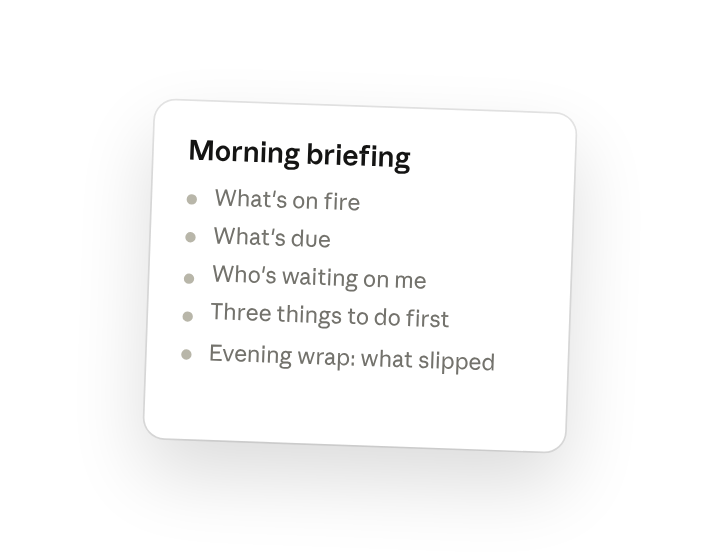
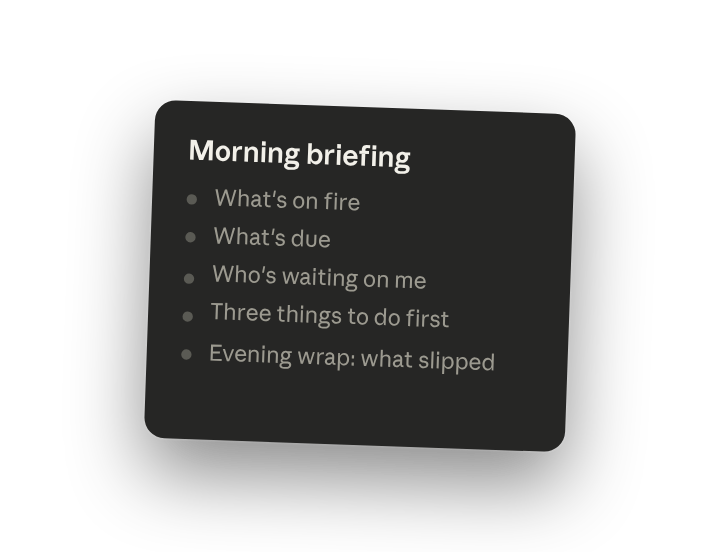
Run my morning briefing. Tell me what's on fire, what's due, who's waiting on me, and the three things I should do first. Keep it under a page. Tonight I'll ask you to run /update and you'll write the wrap: what got done, what slipped, and what tomorrow opens with.
Why this works
Name the sections you want. On fire, due, waiting on me, top three: a fixed shape you can scan in thirty seconds.
Set a length limit. A briefing you'll actually read, not another inbox.
Connect each run to the next. The wrap feeds tomorrow's briefing, so carry-over never drops.
Let prior runs supply the context. Each run reads yesterday's file, so context compounds without you re-explaining.
Get a better draft
Add an example to match. Drop an example you like into the folder and Cowork matches your structure and voice.
Ask it to flag uncertainty. Add "flag anything you're not confident about" so you know where to look first when you review the draft.
Make Cowork work for you
A plugin skill is a starting point — customize it with your own practices and expertise. A few minutes of conversation and it runs with your standards from then on.
Make what we've done in this task so far into a skill, or edit the /start skill with my feedback.
Make it repeatable
Run it at 8am and 6pm
The briefing should be waiting when you sit down. Type /schedule in the prompt, or open Scheduled in the Cowork sidebar, and the customized skills run on their own at the start and end of every workday.
/schedule Run /start every weekday at 8:00am and /update every weekday at 6:00pm, both writing to Daily/<today>.md.
Runs /start at 8am and /update at 6pm against Calendar, Slack, and Gmail and appends both to today's file in Daily.
Share with your teammates
Your customized /start and /update now carry your channel list, your priority rules, and your tone. Share them so anyone on your team starts and ends the day with the same one-page rhythm, and nobody's asking "what did I miss" in standup.