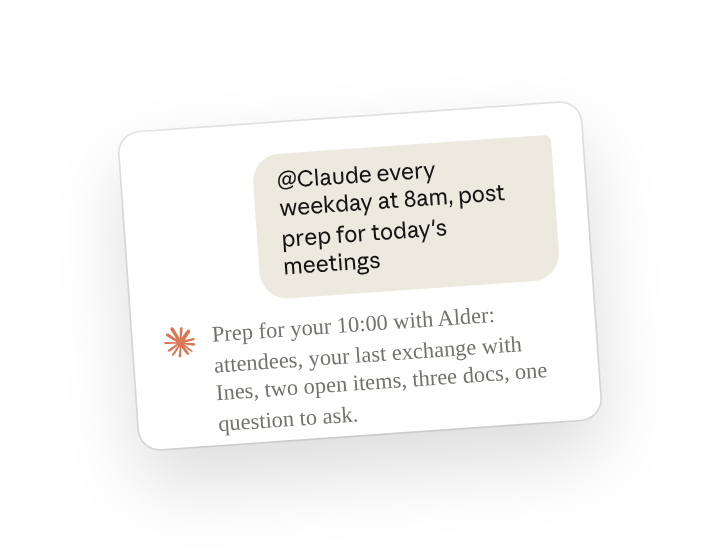
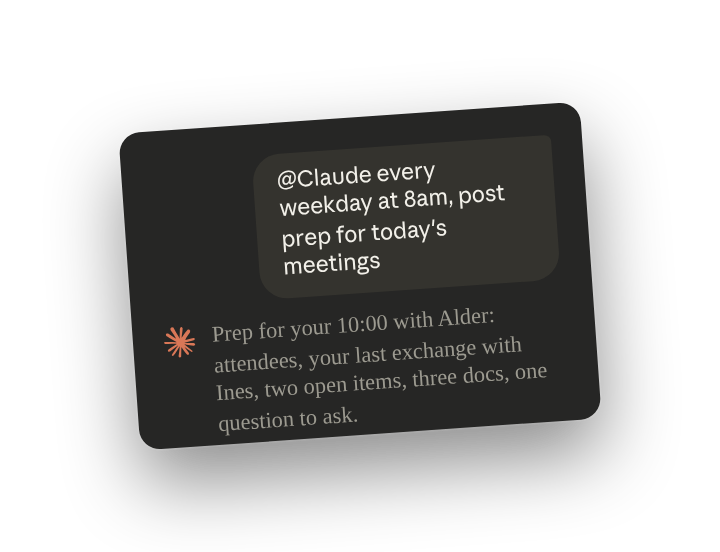
In a DM with Claude Tag, Claude reads your own calendar, email and documents, so it can brief you before each meeting and draft your recap on Friday.
Set up a routine(opens in new tab) in the DM by telling Claude once when to post and what to include. Claude then posts a prep note each morning for that day's meetings. Each Friday, it drafts the week's recap as a note(opens in new tab) you can forward. Only you can read the DM. Claude sends nothing for you, and changes your calendar only when you ask.
Set up
What to ask Claude, and what it does
Send this once in your DM with Claude. Each morning, Claude posts a prep note in the DM for each meeting on your calendar that day, built from the event, your email and Slack threads with the attendees, and your documents. Ask for whatever you want to know before a meeting.
Claude posts the prep notes each morning until you change or stop the routine.
Before you raise an open item in the meeting, open the thread or email the note cites, since the other person may have answered after it posted.
Follow ups
Send these in the same DM. The @-mention is optional there.
Get a Monday list of deadlines and threads at risk
With a second routine, Claude reads your calendar, deadlines and open threads on Monday morning and says which items are at risk and why.
Have Claude block time on your calendar
With your calendar connector on your Claude account, Claude creates an event when you ask, and only then. Here you reply under Monday's post, which listed a security summary due on Wednesday:
Get a Friday recap you can forward
Claude drafts the recap in the DM as a note (artifacts(opens in new tab)) and does not send it, so you decide whether to forward it and to whom.
See or stop the routines in your DM
Claude lists the routines you set up in the DM when asked. To change one, describe the change. To stop one, name it (manage standing work(opens in new tab)).
Tips
Direct messages need your own Claude account
Direct messages with Claude use a Claude account of your own in the organization, and an Owner can turn them off for everyone. If Claude does not answer in a DM, ask your admin.
Use a channel of your own when someone else should see the posts
The same routines can run in a channel with only you and Claude in it, so people you invite can read the posts (work from your own channel(opens in new tab)). To use your own calendar, email or documents there, Claude asks your permission, accesses them as you, and lets you preview what it will post before it appears in the channel.
Related resources
- Learn more in the Introduction to Claude Tag(opens in new tab) course.
- Get started with Claude Tag(opens in new tab): add @Claude to a channel and see what it can read there.
- How DMs differ(opens in new tab): the Claude Tag docs on direct messages with Claude.