Set up
Try a plugin
The Finance plugin ships with /variance-analysis and seven other close-week skills as a starting point, it already knows how to compare periods and structure commentary. If your admin manages plugins and it's not available yet, skip this; nothing below requires it.
/variance-analysisDecompose financial variances into drivers with narrative explanations and waterfall analysis./financial-statementsGenerate financial statements (income statement, balance sheet, cash flow) with period-over-period comparison and variance analysis./close-managementManage the month-end close process with task sequencing, dependencies, and status tracking.Connect your tools
Claude Cowork is more powerful when it works directly with your systems. You control permissions and access. Learn about tool access(opens in new tab).
Navigate to Customize → Connectors in Cowork to set up.


Set your working folder
Drag the files you'll use (actuals, prior period, budget, chart of accounts) into one folder on your machine, then point Cowork at it. Cowork reads from it and writes the narrative back to it. If you'll run this every close, create a Cowork project(opens in new tab) from that folder so instructions, memory, and scheduled runs stay attached to it.
The prompt
Copy this into Claude Cowork
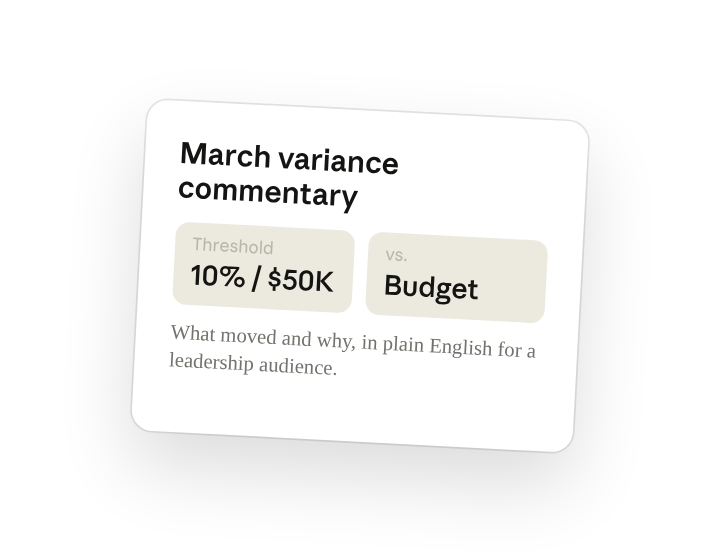
Draft this month's variance commentary for the monthly review. Compare actuals to last month and to budget, and for every line that moved more than 10% or $50K explain what moved and why, in plain English for a leadership audience. Write it to the close folder.
Why this works
Set the threshold. "10% or $50K" is your materiality line, so the narrative covers what matters and skips the rest.
Name the audience. "For leadership" tells Claude who's reading. so the same numbers are written with less line-level detail and more interpretation than the audit version would.
Say where the output goes. Name a specific file and Cowork edits it; otherwise it creates the draft in your working folder for you to audit.
Get a better draft
Add an example to match. Drop last quarter's commentary in the folder and Cowork matches your structure and voice.
Ask it to flag uncertainty. Add "flag any line where the driver isn't clear from the data" so you know exactly where to dig before the review.
Make Cowork work for you
A plugin skill is a starting point — customize it with your own practices and expertise. A few minutes of conversation and it runs with your standards from then on.
Make what we've done in this task so far into a skill, or edit the /variance-analysis skill with my feedback.
Make it repeatable
Make it a live artifact
A document is a snapshot. Ask Cowork to publish the same view as a live artifact and it becomes a link the CFO can open any time. Re-run the skill (or schedule it) and the link reflects the latest.
Publish that variance table as a live artifact for leadership.
Run it on a schedule
Variance commentary is due the same day every close. Type /schedule in the prompt, or open Scheduled in the Cowork sidebar, and the customized skill runs against the latest actuals automatically.
/schedule Every Monday at 9am, if a new actuals file is in FY26-Close, run /variance-analysis against it and write the draft to that folder.
Runs /variance-analysis against the latest actuals in FY26-Close and writes the draft commentary to the same folder.
Share with your teammates
Your customized /variance-analysis now carries your team's standards. Share it so everyone on the close runs the same version, same threshold, same format, same voice.