Set up
Try a plugin
The Design plugin ships with /design-handoff already structured to read a flow description and a component library and emit a wired, clickable HTML build. If your admin manages plugins and it's not available yet, skip this; nothing below requires it.
Connect your tools
Claude Cowork is more powerful when it works directly with your systems. You control permissions and access. Learn about tool access(opens in new tab).
Navigate to Customize → Connectors in Cowork to set up.


Set your working folder
Drag the files you'll use (the flow description or spec, the component library export, your tokens, sample content) into one folder on your machine, then point Cowork at it. Cowork reads from it and writes the prototype HTML back into a subfolder. If you prototype regularly, create a Cowork project(opens in new tab) from that folder so your library and conventions stay attached.
The prompt
Copy this into Claude Cowork
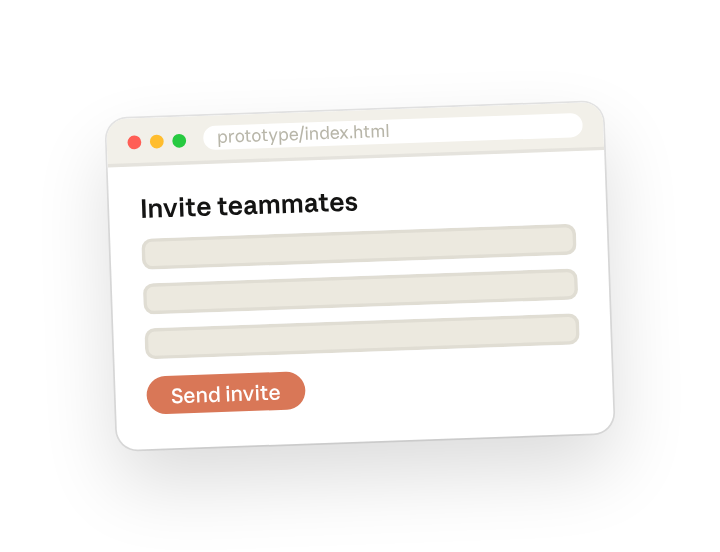
Build a clickable HTML prototype of the flow in this folder using only components from our design system library. Wire up the navigation, use realistic placeholder data, and write it to prototype/index.html so I can click through in a browser.
Why this works
Limit it to your own materials. No invented UI; everything maps to the real library.
Describe what each interaction should do. Clicking actually moves; users test a flow, not pictures.
Ask for realistic sample content. No lorem ipsum; the screens read like the product.
Give it the source files directly. Tokens and CSS ship into the prototype unchanged.
Get a better draft
Add an example to match. Drop an example you like into the folder and Cowork matches your structure and voice.
Ask it to flag uncertainty. Add "flag anything you're not confident about" so you know where to look first when you review the draft.
Make Cowork work for you
The plugin's /design-handoff is a generic starting point. Once Step 2 produces a build you'd actually put in front of a participant, tell Cowork to write your version of the skill. Layer in your component naming, your data fixtures, your interaction conventions, and the wrapper page your prototypes always sit in. A few minutes of conversation and the skill runs with your standards from then on.
Make what we've done in this task so far into a skill, or edit the /design-handoff skill with my feedback.
Make it repeatable
Make it a live artifact
A prototype you have to email around gets stale. Ask Cowork to publish it as a live artifact and every reviewer and test participant has one link that stays current — re-run the skill (or schedule it) to refresh.
Publish that prototype as a live artifact. Add a small "v2, v3" version stamp in the corner.
Rebuild it on every spec change
The spec moves, the prototype should follow without a request. Type /schedule in the prompt, or open Scheduled in the Cowork sidebar, and set the customized skill to rebuild each morning from whatever is in the folder.
/schedule Weekdays at 7am, check Prototypes/Invite-Flow for changes and re-run /design-handoff, rebuilding prototype/index.html and bumping the version stamp.
Each weekday at 7am, checks the project folder for spec or library changes, re-runs /design-handoff, and rebuilds the clickable HTML with a bumped version stamp.
Share with your teammates
Your customized /design-handoff now carries your component map, your data fixtures, and your wrapper page. Share it so any designer on the team can go from spec to clickable build the same way, and concept testing stops waiting on someone who knows how to wire frames by hand.