Working smarter with Claude in PowerPoint · 2 min
In other videos, we've seen how to build a full deck from scratch and edit it with precision. Now let's look at a few more ways to work with Claude in PowerPoint, from uploading reference files to connecting live data and reading back an existing deck.
You can upload files using the plus button, like a research report, data export, or internal analysis. And Claude will pull relevant information into properly formatted slides. This is useful when you're building a presentation from multiple source documents.
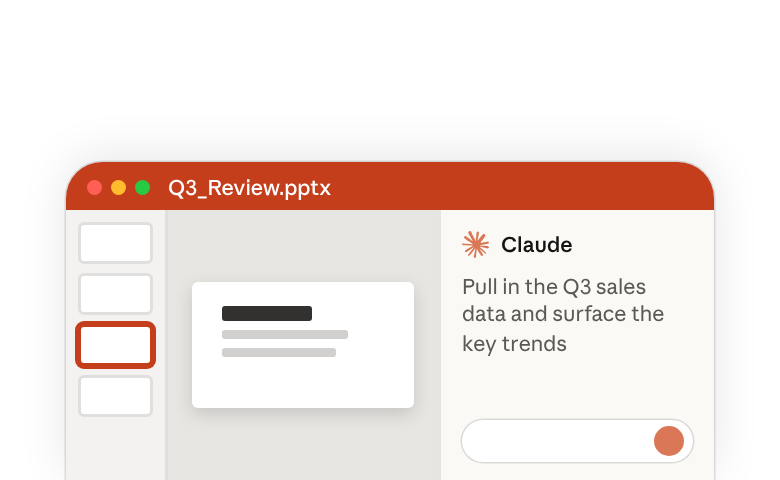
You can also bring in context through connectors. Integrations with tools like Google Drive, Notion, or Confluence that let Claude read and write to those platforms directly. Any connectors you've set up in Claude.ai carry over to the add-in. Claude can pull data from a connected source to build slides and write back to those tools when you're done.
Claude can read an entire presentation and summarize the argument it's making slide by slide. If someone shares a deck before a meeting, you can ask Claude targeted questions. "What data sources are cited on slide 7?" Or "Does this deck address regulatory risk?" Claude will search the content and give you a direct answer.
Claude accelerates your work while keeping you in control of the output. Claude respects your template. It reads the slide master, layouts, fonts, and color scheme, and uses them consistently. But for complex or heavily customized templates, always verify that the output matches your organization's brand guidelines. For sensitive or regulated content, follow your organization's data handling policies.
Whether you're building a board deck from scratch, adding a section to a client deliverable, converting a text-heavy draft into something visual, or reviewing a deck before a meeting, Claude can help you move faster. It handles the mechanical work, slide generation, formatting, layout, restructuring, so you can focus on the story you're trying to tell.