1. Set up
Try a plugin
The Sales plugin ships with /pipeline-review and other account-health skills as a starting point, already structured to score a book of business and flag what's at risk. If your admin manages plugins and it's not available yet, skip this; nothing below requires it.
Connect your tools
Claude Cowork is more powerful when it works directly with your systems. You control permissions and access. Learn about tool access(opens in new tab).
Navigate to Customize → Connectors in Cowork to set up.


Set your working folder
Drag the files you'll use (a CRM export of the renewal book, a product-usage CSV, last quarter's QBR notes) into one folder and point Cowork at it. Cowork reads from it and writes the risk audit and the artifact link back to it. Create a Cowork project(opens in new tab) from your renewal folder so your scoring rubric and the exec-commitment tracker stay attached.
2. The prompt
Copy this into Claude Cowork
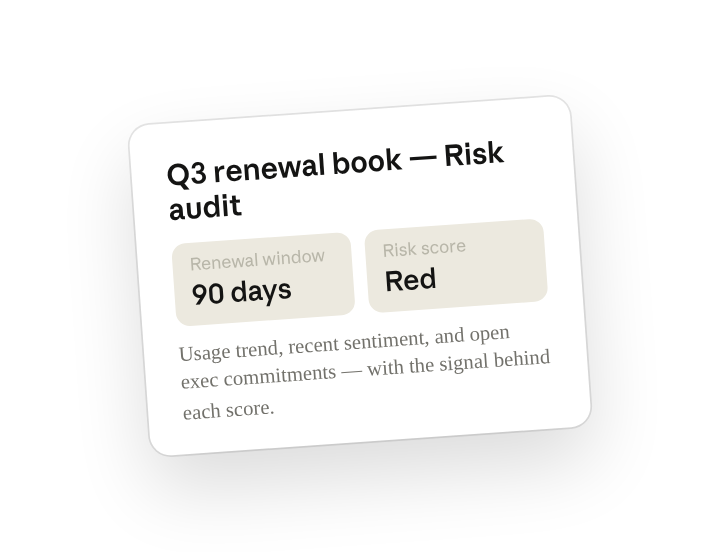
Audit my Q3 renewal book. For every account renewing in the next 90 days, score renewal risk red/yellow/green based on product-usage trend, recent sentiment, and open exec commitments. Explain the signal that drove each score, and publish it as a live artifact I can share with leadership.
Why this works
Name the inputs to weigh. Usage trend, last sentiment, open commitments are the inputs that actually predict churn; saying so keeps the score explainable.
Ask for the reason behind each score. Asking for the reason behind each score so each red includes why it's at risk — something you can act on.
Say how you'll share the output. A live artifact means leadership opens one link and it's current, not last Tuesday's spreadsheet.
Pull from the authoritative source. The renewal date, ARR, and owner come from Salesforce, so the audit and the forecast agree.
Get a better draft
Add your scoring rubric. Drop your team's red/yellow/green definitions in the project and the scores match how your forecast call already talks.
Ask for next actions. Add "for every red, suggest the next action and who runs it" so the audit is also the save plan.
3. Make Cowork work for you
A plugin skill is a starting point — customize it with your own practices and expertise. A few minutes of conversation and it runs with your standards from then on.
Make what we've done in this task so far into a skill, or edit the /pipeline-review skill with my feedback.
4. Make it repeatable
Make it a live artifact
A spreadsheet is a snapshot. Ask Cowork to publish the audit as a live artifact and leadership opens one link that refreshes from CRM, with filters for segment, owner, and risk.
Publish that renewal-risk table as a live artifact for sales leadership, filterable by segment and owner, and refresh it nightly from Salesforce.
Run it on a schedule
Risk moves week to week. Type /schedule in the prompt, or open Scheduled in the Cowork sidebar, and the customized skill rescores the book and refreshes the artifact before your Monday forecast call.
/schedule Every Monday at 7am, rerun the renewal risk audit on the current 90-day book, refresh the live artifact, and DM me any account that moved to red since last week.
Rescores the 90-day renewal book on usage, sentiment, and open commitments, refreshes the live artifact, and DMs new reds.
5. Share with your teammates
Your customized skill now carries your scoring rubric, your usage thresholds, and your save-play library. Share it so every CSM and AE in the segment runs the same audit and the forecast call argues about action, not definitions.