Set up
Try a plugin
The Product Management plugin ships with /write-spec and other spec-writing skills as a starting point, already structured to interview you on the problem and produce a sectioned PRD. If your admin manages plugins and it's not available yet, skip this; nothing below requires it.
/write-specInterview the PM on a problem statement and draft a structured PRDConnect your tools
Claude Cowork is more powerful when it works directly with your systems. You control permissions and access. Learn about tool access(opens in new tab).
Navigate to Customize → Connectors in Cowork to set up.


Set your working folder
Drag the files you'll use (your org's PRD template, a recent PRD you like the depth of, any research notes on the problem) into one folder on your machine, then point Cowork at it. Cowork reads from it and writes the new PRD back to it.
The prompt
Copy this into Claude Cowork
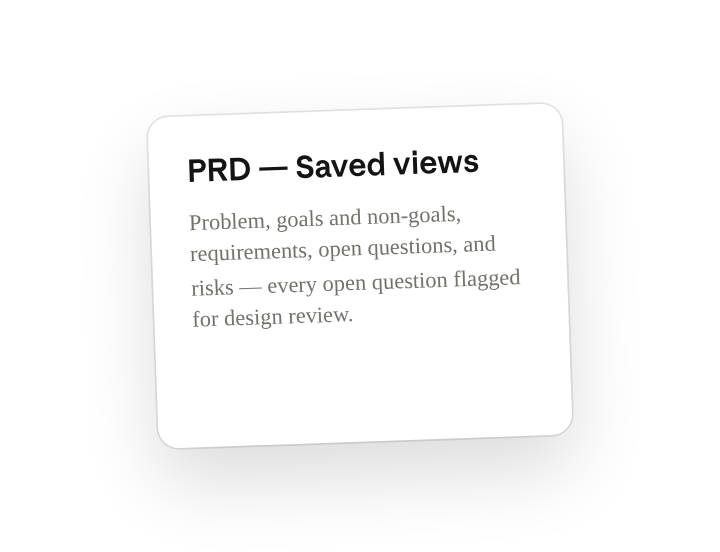
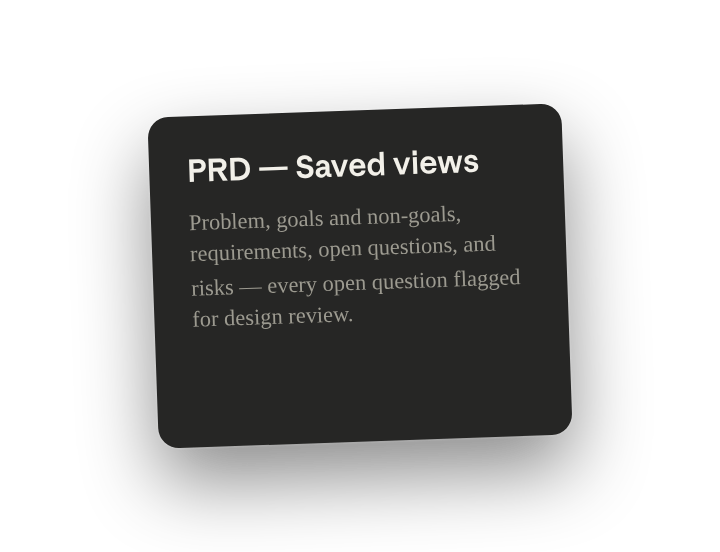
Write a PRD for the saved-views problem. Interview me first about the problem, who hits it, the constraints, and how we'd measure success. Then draft it in prd-template.docx, call out the goals and non-goals, match the depth of PRD-bulk-export.docx, and flag every open question for design review.
Why this works
Ask to be interviewed. "Interview me first" turns a blank-page problem into a guided conversation; Cowork pulls the problem, users, constraints, and metrics out of your head before it writes a word of the spec.
Point at your template. Naming prd-template.docx sends the draft into your section order and depth, so the output reads like one of yours and not a generic spec.
List what's in and out of scope. Calling out goals and non-goals keeps scope honest; the things you decided not to do are as load-bearing in review as the things you did.
Show it what good looks like. Pointing at PRD-bulk-export.docx hands Cowork your quality bar; it matches the structure and depth of a PRD you already trust instead of guessing at both.
Give open questions a named owner. "For design review" means each unresolved item gets a clear next owner instead of sitting in a list nobody picks up.
Get a better draft
What Cowork gives you back is mostly determined by what you put in. A real template, one PRD you like, and honest interview answers move the draft further than any rewording of the prompt, so invest there first.
Ask it to flag uncertainty. Add "flag anything you're not confident about" so you know where to look first when you review the draft.
Check the goals and open questions before it goes to review. Read the draft's goals and non-goals against what you said in the interview, and confirm every flagged open question is one you actually left open. Cowork fills gaps with reasonable guesses, and unchecked guesses are what design review catches. Fix what you didn't decide, then send it.