1. Set up
Try a plugin
The Human Resources plugin ships with /recruiting-pipeline and other recruiting skills as a starting point, already structured to compare scorecards against a rubric and surface agreement and splits. If your admin manages plugins and it's not available yet, skip this; nothing below requires it.
/recruiting-pipelineTrack and manage recruiting pipeline stages.Connect your tools
Claude Cowork is more powerful when it works directly with your systems. You control permissions and access. Learn about tool access(opens in new tab).
Navigate to Customize → Connectors in Cowork to set up.


Set your working folder
Drag the files you'll use (the scorecard export or pasted feedback, the role's competency rubric, the interview plan) into one folder on your machine, then point Cowork at it. Cowork reads from it and writes the debrief brief back to it. If you run debriefs every week, create a Cowork project(opens in new tab) from the role folder so the rubric and instructions stay attached.
2. The prompt
Copy this into Claude Cowork
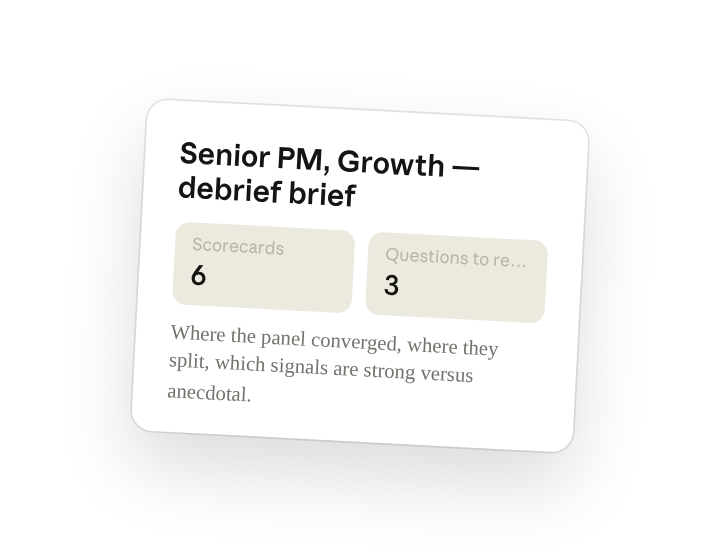
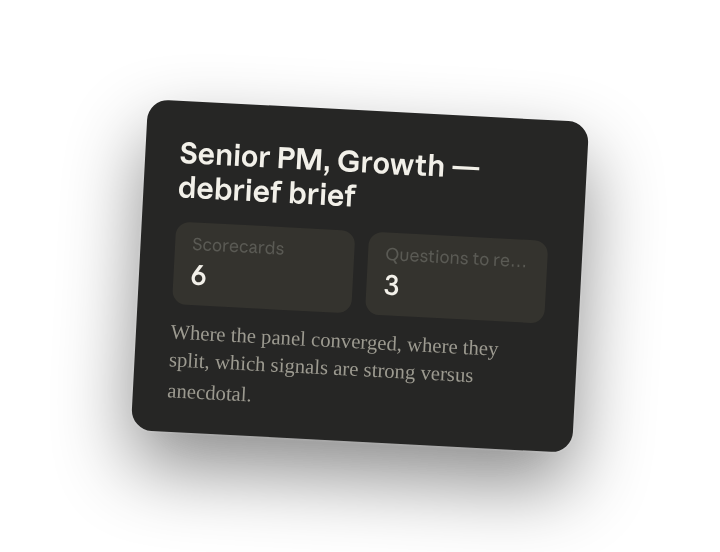
Synthesize the interviewer scorecards into the debrief brief: where the panel converged, where they split, which signals are strong versus anecdotal, which competencies weren't covered, and the three questions to resolve in the debrief. Do not recommend hire or no-hire; that decision belongs to the panel.
Why this works
State what not to do. "Do not recommend hire or no-hire" is in the prompt because Claude does not make hiring decisions; the brief organizes the evidence so the people in the room can.
Ask it to weigh the evidence. Asking which signals are "strong versus anecdotal" forces the brief to weight a pattern across four scorecards differently from one interviewer's aside.
Ask for what's missing. "Which competencies weren't covered" checks the scorecards against the rubric in the folder so the panel knows where it's deciding without evidence.
Include your criteria with the data. The scorecards, the competency rubric, and the interview plan sit in the working folder, so convergence and gaps are measured against the bar you set for this role.
Get a better draft
Add an example to match. Drop an example you like into the folder and Cowork matches your structure and voice.
Ask it to flag uncertainty. Add "flag anything you're not confident about" so you know where to look first when you review the draft.
3. Make Cowork work for you
A plugin skill is a starting point — customize it with your own practices and expertise. A few minutes of conversation and it runs with your standards from then on.
Make what we've done in this task so far into a skill, or edit the /recruiting-pipeline skill with my feedback.
4. Make it repeatable
Run it when the last scorecard is in
The brief should be waiting before the debrief starts. Type /schedule in the prompt, or open Scheduled in the Cowork sidebar, and the customized skill runs every weekday morning. Cowork checks the hiring folder for candidates with all scorecards submitted and runs /recruiting-pipeline on each.
/schedule Weekdays at 9am. Check the hiring folder for candidates with all scorecards in, run /recruiting-pipeline on each, and write the brief to Hiring/<role>/debrief.
Runs /recruiting-pipeline each weekday morning on any candidate with all
scorecards in the hiring folder and writes the brief to that role's debrief
folder.
5. Share with your teammates
Your customized /recruiting-pipeline now carries your rubric, your convergence threshold, and the rule that the decision stays with humans. Share it so every hiring manager and recruiter walks into debrief with the same brief, and the panel spends its time on the open questions instead of re-reading scorecards.