Set up
Try a plugin
The Product Management plugin ships with /synthesize-research and other discovery skills as a starting point, already structured to cluster raw signal into themes and rank them. If your admin manages plugins and it's not available yet, skip this; nothing below requires it.
Connect your tools
Claude Cowork is more powerful when it works directly with your systems. You control permissions and access. Learn about tool access(opens in new tab).
Navigate to Customize → Connectors in Cowork to set up.


Set your working folder
Drag the files you'll use (the NPS verbatim export, the support ticket CSV, the sales call snippets, the six interview transcripts) into one folder on your machine, then point Cowork at it. Cowork reads from it and writes the Voice of Customer brief back to it. If you run this every quarter, create a Cowork project(opens in new tab) from that folder so your sources, instructions, and memory stay attached.
The prompt
Copy this into Claude Cowork
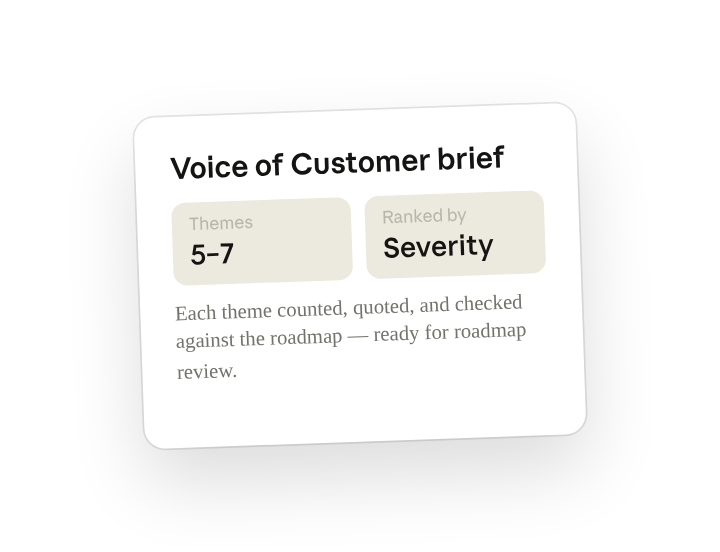
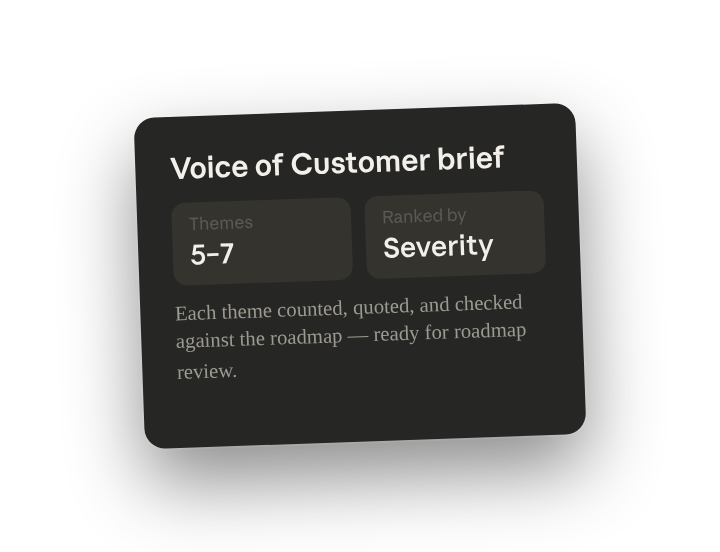
Read this folder plus the #product-feedback Slack channel and the open Zendesk tickets tagged feedback. Cluster everything into 5 to 7 themes, count how often each shows up and how severe it is, pull the best verbatim for each, flag which map to a Linear roadmap item versus net-new, and write a one-page Voice of Customer brief for roadmap review.
Why this works
Give a number range. "5 to 7 themes" forces real clustering instead of a forty-row tag list, so the brief fits on one page and the roadmap conversation stays on the top signals.
Ask for frequency and severity. Naming both gives Claude your ranking criteria, so the themes come back ordered by what matters to planning rather than just by how often they came up.
Ask for the single best example. The single best quote does more in roadmap review than a wall of evidence; Cowork picks the strongest line and links the rest underneath.
Compare against your existing plan. "Map to a Linear roadmap item versus net-new" means the brief arrives already split into validate-what-we-planned and here-is-what-we-missed.
Get a better draft
Add an example to match. Drop an example you like into the folder and Cowork matches your structure and voice.
Ask it to flag uncertainty. Add "flag anything you're not confident about" so you know where to look first when you review the draft.
Make Cowork work for you
A plugin skill is a starting point — customize it with your own practices and expertise. A few minutes of conversation and it runs with your standards from then on.
Make what we've done in this task so far into a skill, or edit the /synthesize-research skill with my feedback.
Make it repeatable
Run it ahead of every roadmap review
Feedback piles up between planning cycles whether or not anyone is reading it. Type /schedule in the prompt, or open Scheduled in the Cowork sidebar, and the customized skill produces a fresh brief the Friday before each roadmap review.
/schedule Every Friday at 4pm, run /synthesize-research against Product/voc-<current-quarter> plus the live Slack and Zendesk sources, and write the brief to that folder as voc-brief-<date>.md.
Runs /synthesize-research against the quarter's VoC folder plus live Slack and Zendesk and writes the one-page brief back to the folder.
Share with your teammates
Your customized /synthesize-research now carries your severity scale, your standing sources, and your brief format. Share it so every PM on the team clusters feedback the same way, and roadmap review reads one consistent VoC page no matter whose area it covers.