Set up
Try a plugin
The Human Resources plugin ships with /org-planning and other org-health skills as a starting point, already structured to cluster open text, weight by frequency, and draft an action plan. If your admin manages plugins and it's not available yet, skip this; nothing below requires it.
Connect your tools
Claude Cowork is more powerful when it works directly with your systems. You control permissions and access. Learn about tool access(opens in new tab).
Navigate to Customize → Connectors in Cowork to set up.


Set your working folder
Drag the files you'll use (the raw survey CSV, the org roster for segmentation, last cycle's brief) into one folder on your machine, then point Cowork at it. Cowork reads from it and writes the People brief and action plan back to it. If you run engagement each quarter, create a Cowork project(opens in new tab) from the parent engagement folder so prior cycles and your anonymization rules stay attached.
The prompt
Copy this into Claude Cowork
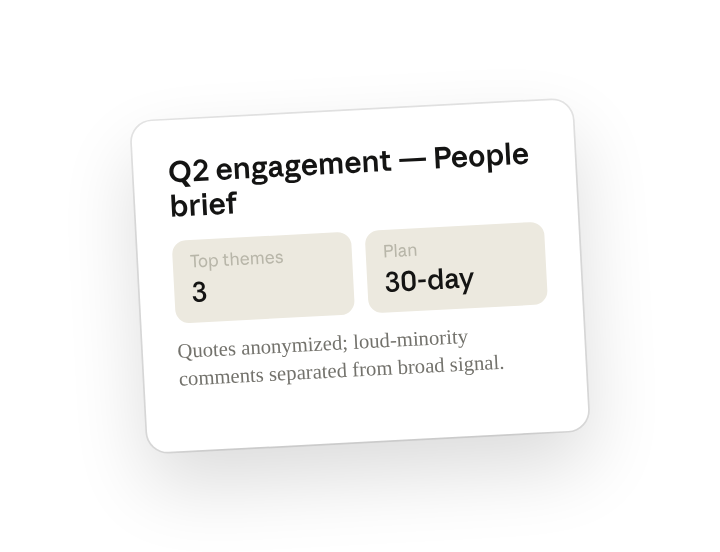
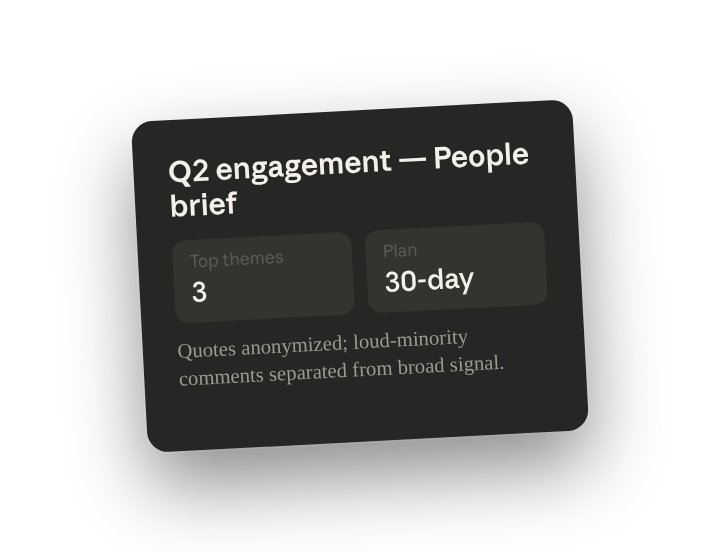
Theme the open-text survey responses, segment by team and tenure where the data allows, and separate loud-minority comments from broad signal. Output a one-page People brief: the top three themes, two or three supporting quotes per theme, and a draft 30-day action plan for each. Never attribute a quote to an individual.
Why this works
State the privacy rule explicitly. "Never attribute a quote to an individual" is a standing instruction in the skill; Cowork strips names, roles, and small-team identifiers so the brief is safe to share with leadership.
Say how to weight the responses. "Loud-minority from broad signal" tells Cowork to weight a theme by how many distinct respondents raised it, not how forcefully a few wrote about it.
Ask for an action per theme. Asking for "a draft 30-day action plan for each" turns the readout into something a leader can commit to in the meeting, not a finding to file.
Let the working folder supply context. The raw export and the org roster sit in the working folder, so team and tenure cuts come from your real structure and the brief is saved next to the source data.
Get a better draft
Add an example to match. Drop an example you like into the folder and Cowork matches your structure and voice.
Ask it to flag uncertainty. Add "flag anything you're not confident about" so you know where to look first when you review the draft.
Make Cowork work for you
A plugin skill is a starting point — customize it with your own practices and expertise. A few minutes of conversation and it runs with your standards from then on.
Make what we've done in this task so far into a skill, or edit the /org-planning skill with my feedback.
Make it repeatable
Run it every survey cycle
Surveys close on the same cadence each quarter. Type /schedule in the prompt, or open Scheduled in the Cowork sidebar, and the customized skill runs against the newest export and writes the brief and action plan to that quarter's folder.
/schedule Every Monday at 9am, if a new export is in People/engagement-<quarter>, run /org-planning against it and write the People brief and action plan to that folder.
Runs /org-planning on the newest export in People/engagement and writes the one-page brief and 30-day action plans to that quarter's folder.
Share with your teammates
Your customized /org-planning now carries your anonymization rules, your segment thresholds, and your action-plan format. Share it so HRBPs across the org produce the same shape of brief, and leaders see consistent readouts whether the survey ran in Lattice, CultureAmp, or a Google Form.