1. Describe the task
Claude on your desktop can research exercises for specific needs—physical therapy, general fitness, injury recovery, or flexibility—and create structured routines saved directly to your Notes app. Instead of piecing together advice from multiple websites, you get organized programs you can reference during workouts.
Tell Claude what you're working on, any limitations or goals, and what format would help you follow through.
I've been dealing with knee pain, and my doctor recommended I strengthen the muscles around it. I'd like to research appropriate exercises and create a routine I can do on my own.
Save this to my Notes app as "Knee Strengthening Routine" so I can pull it up on my phone while I'm exercising. I want to show it to my physical therapist next week to make sure I'm on the right track.
Format for Apple Notes on my phone. Use HTML <br> tags in order to create natural line breaks. Use abbreviations and keep it scannable - clear headers, quick reference info only, cut verbose explanations. Optimize for mobile, not desktop.
2. Give Claude context
Claude can search the web(opens in new tab) for current exercise information and physical therapy best practices, then saves the routine directly to your Notes app where it syncs across all your devices.
Required context
The Notes connector is a desktop extension: it runs in the Claude desktop app(opens in new tab) on a Mac, where Claude reads and writes the Apple Notes app on your computer; with Notes syncing over iCloud, the routine shows up on your iPhone too.
Connect your Notes app in Settings > Connectors > Browse connectors > Desktop extensions(opens in new tab) so Claude can save content directly—no downloading or manual copying required.
Optional context
Turn on Web Search(opens in new tab) to provide Claude the ability to browse online for recent information.
3. What Claude creates
Claude searches for current exercise information and physical therapy best practices, and then structures findings into a clear routine saved directly to your Notes app. You can reference it across devices or during workouts and healthcare appointments.
I've researched knee-strengthening exercises from physical therapy sources and created a complete routine for you.
Research Summary
Based on current PT guidance for medial knee pain, I found exercises targeting the quadriceps, hamstrings, and hip stabilizers—all crucial for knee support. These are specifically chosen to be low-impact and safe for people with existing knee discomfort when done with proper form.
✓ Saved to Apple Notes as "Knee Strengthening Routine"
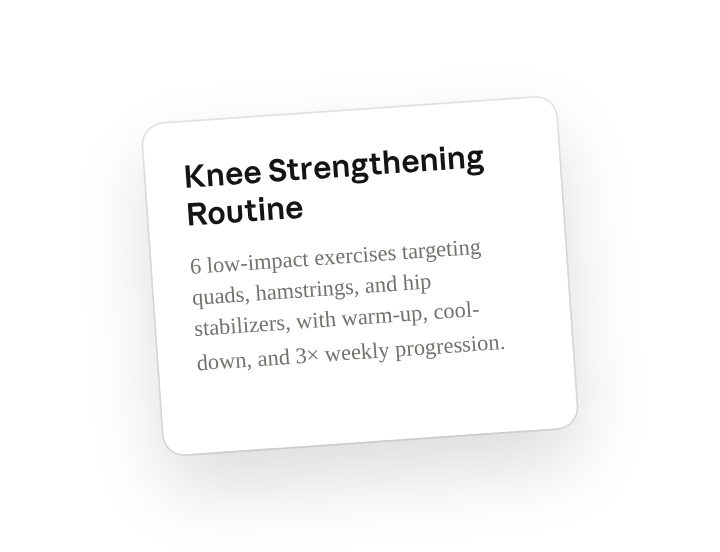
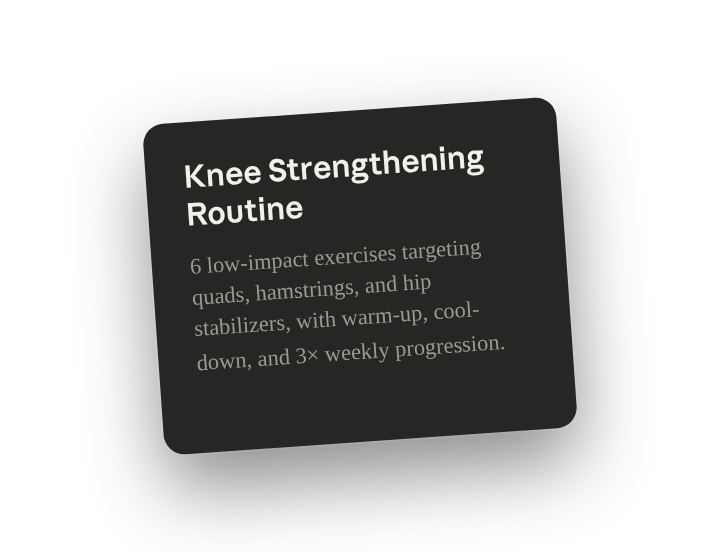
Your routine is ready to pull up on your phone. It includes 6 low-impact exercises targeting quads, hamstrings, and supporting muscles, with a warm-up and cool-down. Everything's abbreviated and formatted for quick reference while you're exercising.
The routine starts conservatively (3× weekly) with built-in progression for weeks 3-5+. I included a checkbox for your PT appointment date so you can fill that in.
4. Follow up prompts
Continue the conversation with Claude to refine, expand, or explore further.
Create a progress tracker
Build a spreadsheet to log workouts and track improvement over time. Claude can create a structured log with dates, exercises, reps, pain levels, and notes—making it easy to see patterns and share progress with your PT.
Create an Excel spreadsheet to track this routine. Include columns for date, each exercise with sets/reps, pain level before and after (1-10 scale), notes about how it felt, and any modifications I made. Add a summary sheet that calculates weekly totals and shows progress trends over time.
Learn the science behind it
Understand what's actually happening in your knee and why it hurts. Claude can research the biomechanics, explain which structures are involved in your injury, and show how each exercise targets specific problems.
Explain the anatomy of patellar tendinitis—what structures are damaged, why do they get inflamed, and what's the mechanical problem causing pain? Then show me how each exercise in this routine addresses a specific part of the issue. I want to understand what I'm fixing, not just follow instructions.
Adapt the routine as you improve
Modify exercises when they become too easy or your situation changes. Claude can progress the difficulty, swap exercises that aren't working, or scale back if you're experiencing setbacks.
These exercises are getting easier—I can do the full sets without much effort now. Progress this routine to the next level: harder variations, more resistance, or additional exercises that build on what I've mastered. Keep it appropriate for continuing knee rehab.
5. Tricks, tips, and troubleshooting
Formatting for Notes
Keep in mind the notes app needs different structure than a normal file output. For better formatting when creating content for Apple Notes, ask Claude to use HTML breaks for spacing between lines and sections, abbreviations to keep things brief, and to prioritize quick reference information, so the content is easily viewable on mobile formats.
Always consult healthcare providers first
Claude researches exercise information from reputable sources, but this doesn't replace medical advice. Before starting any routine—especially for injury recovery or pain management—show it to your doctor or physical therapist. They can confirm exercises are appropriate for your specific condition, suggest modifications based on your assessment, and warn you about movements to avoid. Think of Claude's research as a starting point for discussion with your healthcare team, not as a replacement for professional guidance.
6. Ready to try for yourself?
Whether you're recovering from injury, building strength, or just trying to move better, Claude helps you research and structure exercise advice into organized routines you'll actually use.