1. Describe the task
Claude can build complete presentation decks with thoughtful slide layouts, clean data visualizations, and consistent typography. Describe your proposal content and design preferences, and Claude creates a professional deck. Treat that first version as a draft rather than the finished deliverable, and plan to revise it a few times.
With Opus 4.5, the conversation can continue as long as the work requires—so you can reference earlier decisions, reuse approaches that worked, and maintain consistency across rounds of feedback without starting over or re-explaining context.
I'm putting together a proposal deck for Midwest Regional Health, a healthcare network we've been in conversations with about our patient engagement platform.
Search my Google Drive for documents with "Midwest Regional" in the title—there should be discovery call notes, their RFP, and a competitive analysis we did. Also pull our standard pricing sheet.
Pull the relevant information to build out these slides: Make sure to include executive summary, their challenges, our solution and how it addresses their specific situation, implementation approach, pricing, case study (find a similar healthcare client we can reference), timeline and next steps. Keep the deck to about seven slides.
Design direction: Clean and professional, but not sterile. I want something modern and approachable while still appropriate for hospital executives. Use premium typography (not default fonts) and our brand colors from the logo I'm uploading. Make sure text is conservatively sized so nothing gets cut off, and verify that no elements overlap.
2. Give Claude context
Connect Claude to your files and provide brand assets so the proposal pulls from your actual client materials and reflects your visual identity.
Required context
Enable the Google Drive(opens in new tab) integration so Claude can search for and pull from your discovery notes, RFPs, competitive analysis, and past proposals. Upload your company logo for color extraction and brand consistency. If you have a past deck with the look you want, share it as a style reference—showing works better than describing.
Enable Extended Thinking(opens in new tab) in the chat input bar, near the model selector, to help Claude synthesize information across multiple source documents and plan cohesive slide layouts.


Optional context
For more complex, multi-step tasks turn on Extended Thinking(opens in new tab) in the chat input bar for Claude to consider sophisticated layouts and narrative structure throughout the slides.
3. What Claude creates
Claude searches your connected files, synthesizes the relevant information, and delivers a complete proposal deck with professional layouts and consistent design, ready for refinement based on your feedback.
I found several relevant documents in your Drive: the Midwest Regional discovery call notes from October, their RFP response, your competitive analysis, and your standard pricing sheet. I've synthesized these into a proposal deck.
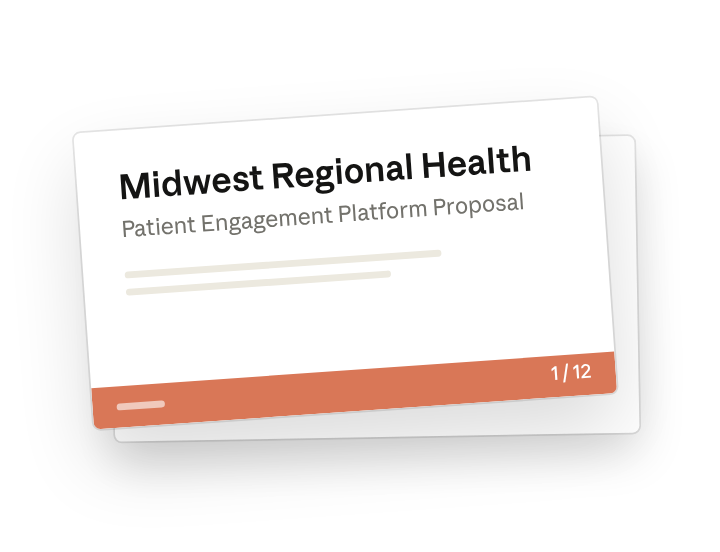
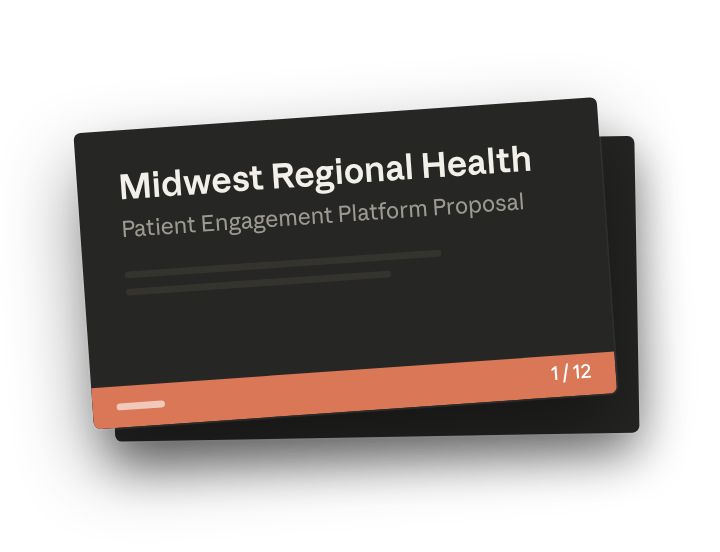
Sales Proposal – Midwest Regional Health (7 slides)
The design uses your brand's navy blue as the primary color with a warm teal accent. I've kept text conservatively sized throughout for projector readability and verified that no elements overlap.
Here's how I structured the content from your documents:
- Executive summary pulls from your RFP response's recommendation section
- Challenges slide uses the three pain points from your discovery notes: fragmented patient communication, 23% no-show rate, and staff burnout from manual outreach
- Case study features Northern Health Partners (34% improvement in appointment adherence)—the closest match to their situation from your past work
Let me know what's working and what you'd like adjusted.
4. Follow up prompts
Continue the conversation with Claude to refine, expand, or explore further.
Tighten the slide your client reads first
Pricing is where hospital executives slow down, so give that slide its own pass.
The pricing slide is too dense. Split the implementation fee and the annual subscription into separate line items, and move the support details into a smaller note at the bottom. Keep the layout consistent with the rest of the deck.
Reframe the story around their goals
Their RFP already names what they care about, so borrow its language.
Rewrite the executive summary to lead with the three challenges from the discovery notes, then show how we address each one. Use the same terms their RFP uses for their goals, and keep it to four bullet points.
5. Tricks, tips, and troubleshooting
Reference earlier decisions as you iterate
With Opus 4.5, the conversation holds context across many rounds of feedback. You can say "use the same layout approach as the challenges slide" or "go back to the color we used before" without re-explaining. This keeps iterations faster and more consistent.
Extended Thinking helps when synthesizing multiple sources
When Claude needs to pull from discovery notes, RFPs, and past proposals to build a cohesive narrative, Extended Thinking gives it time to plan how the pieces fit together. The model also reasons through visual hierarchy and slide structure more carefully, so you spend less time fixing layouts and formatting. For decks with data visualizations or complex information, the difference in polish is noticeable.
Check the numbers before you present
Claude pulls figures from several documents at once, so a pricing line or a case study stat can come from an older version of a file. Before the deck goes to the client, verify the pricing slide and any quoted results, like the 34% improvement in appointment adherence, against the source documents in your Drive.
6. Ready to try for yourself?
Connect your Drive, point Claude to your client materials, and describe the deck you need. Claude synthesizes the content and handles the design while you shape it through feedback until it's suited to your standards and ready to present.