Set up
Try a plugin
The Finance plugin ships with /journal-entry and seven other close-week skills as a starting point, already structured to read source documents and produce a structured accounting record. If your admin manages plugins and it's not available yet, skip this; nothing below requires it.
Connect your tools
Claude Cowork is more powerful when it works directly with your systems. You control permissions and access. Learn about tool access(opens in new tab).
Navigate to Customize → Connectors in Cowork to set up.

Set your working folder
Drag the files you'll use (the executed PDFs, your rev-rec intake template, your accounting policy memo) into one folder and point Cowork at it. Cowork reads each contract and writes the populated intake sheet and the exception list back to it. Create a Cowork project(opens in new tab) from your rev-rec folder so the policy, the field list, and the standard-deal patterns stay attached.
The prompt
Copy this into Claude Cowork
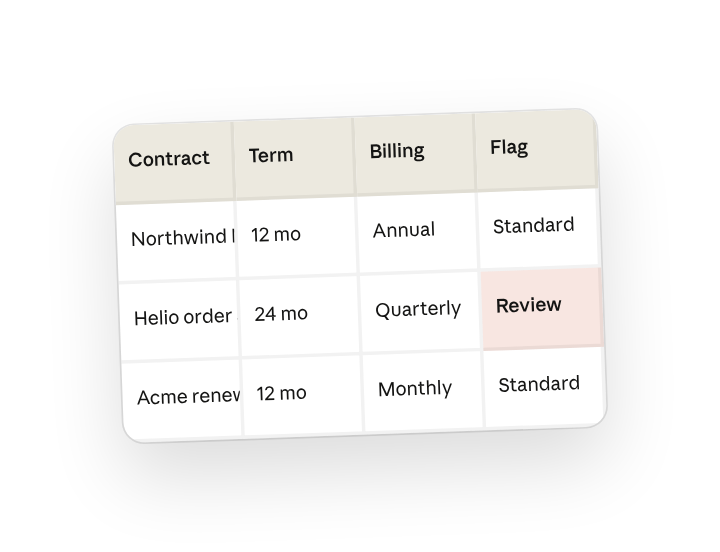
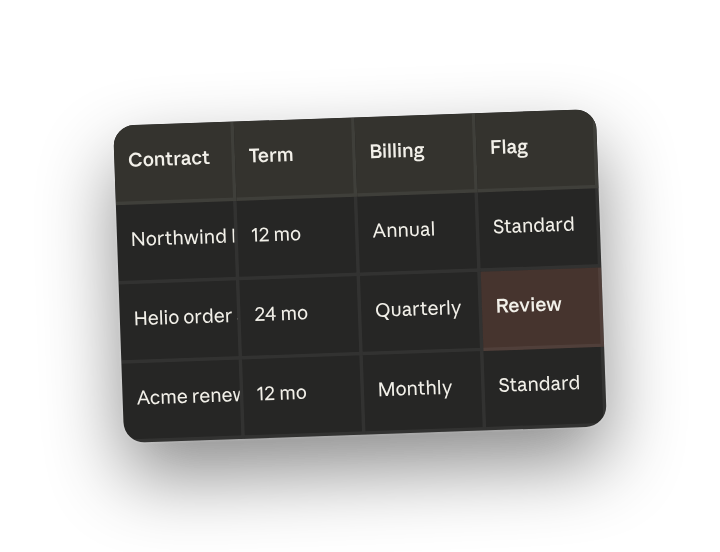
Extract the ASC 606 fields (performance obligations, standalone selling price, contract term, billing schedule, variable consideration) from every executed contract into the rev-rec intake sheet, and flag any that don't match a standard pattern for my review before booking.
Why this works
List the exact fields you need. Listing the exact ASC 606 inputs means the intake sheet comes back with the columns your policy uses, not generic contract metadata.
Ask it to flag the exceptions. Asking for exceptions keeps the accounting judgment with you; standard deals flow, the weird ones stop at your desk.
Process the whole batch at once. Cowork works the whole batch in one pass, so the intake sheet covers the week, not one PDF at a time.
Put your definitions in the folder. "Standard pattern" means whatever your asc606-policy memo says it means.
Get a better draft
Ask for the clause reference. Add "cite the section number for each extracted field" so the audit trail is one click from the value.
Add a filled example sheet. Drop a filled example in the folder and Cowork matches your column order, naming, and dropdown values exactly.
Make Cowork work for you
A plugin skill is a starting point — customize it with your own practices and expertise. A few minutes of conversation and it runs with your standards from then on.
Make what we've done in this task so far into a skill, or edit the /journal-entry skill with my feedback.
Make it repeatable
Run it when contracts close
Signed contracts come in all week. Type /schedule in the prompt, or open Scheduled in the Cowork sidebar, and the customized skill watches the executed-contracts folder and processes new arrivals into intake.
/schedule Every weekday at 5pm, run the contract-to-ledger skill on any executed contract added to Revenue/Intake since the last run, append to the intake sheet, and post the exception list to #revenue-ops.
Daily at 5pm, extracts ASC 606 fields from any new executed contracts, appends to the intake sheet, and posts exceptions to #revenue-ops.
Share with your teammates
Your customized skill now carries your field list, your policy memo, and your definition of a standard deal. Share it so every revenue accountant runs the same extraction and the exception queue is one list, not five inboxes.