Set up
Try a plugin
The Marketing plugin ships with /competitive-brief as a starting point, already structured to read a competitor's public materials against your positioning and write the win/lose/draw breakdown. If your admin manages plugins and it's not available yet, skip this; nothing below requires it.
Connect your tools
Claude Cowork is more powerful when it works directly with your systems. You control permissions and access. Learn about tool access(opens in new tab).
Navigate to Customize → Connectors in Cowork to set up.


Set your working folder
Drag the files you'll use (the competitor's pricing page PDF, their datasheet, your positioning doc, last quarter's comparison deck) into one folder on your machine, then point Cowork at it. Cowork reads from it and writes the deck and the Excel matrix back to it. If you track this competitor every quarter, create a Cowork project(opens in new tab) from that folder so the sources and instructions stay attached.
The prompt
Copy this into Claude Cowork
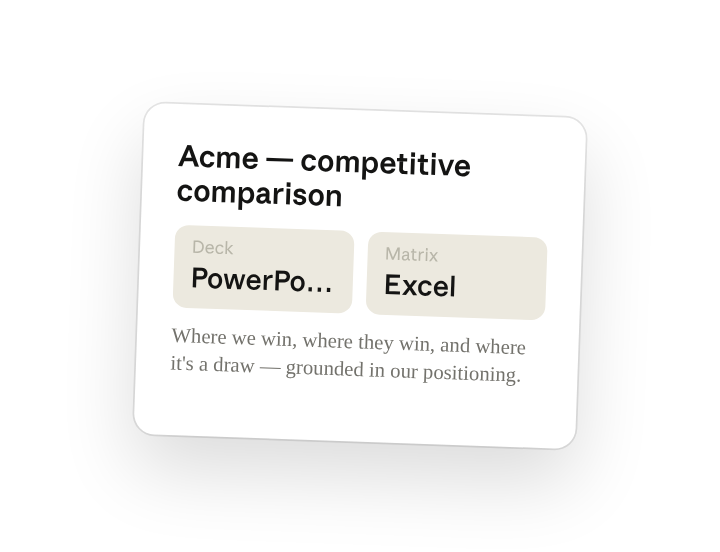
Here's the competitor's site, pricing page, and recent announcements, plus our positioning doc. Build a structured comparison: where we win, where they win, and where it's a draw. Output a PowerPoint deck for sales and an Excel workbook with the feature-by-feature matrix.
Why this works
Ask for a verdict, not a list. "Where we win, where they win, where it's a draw" forces a position on every row instead of a neutral feature dump.
Name both output formats. The deck is what sales presents. The Excel matrix is what they filter when a prospect asks about one specific feature.
Anchor to your positioning. Including your own positioning doc means the "where we win" rows use your language, not the competitor's framing.
Use their public materials. Pricing pages and datasheets are what prospects see — comparing against those keeps the deck defensible in front of a customer.
Get a better draft
Add the audience. Say "for an enterprise security buyer" or "for a mid-market ops lead" and the win/lose framing shifts to what that buyer cares about.
Add your last deck as the template. Drop last quarter's comparison into the folder and Cowork matches the slide structure and tone.
Make Cowork work for you
A plugin skill is a starting point — customize it with your own practices and expertise. A few minutes of conversation and it runs with your standards from then on.
Make what we've done in this task so far into a skill, or edit the /competitive-brief skill with my feedback.
Make it repeatable
Run it on a schedule
Competitors ship and reprice without telling you. Type /schedule in the prompt, or open Scheduled in the Cowork sidebar, and the customized skill re-reads their public pages, refreshes the matrix, and flags what changed since last time.
/schedule First Monday of each month, run /competitive-brief against the sources in this folder, refresh the Excel matrix, and post a summary of what changed to #competitive.
Runs /competitive-brief against the sources in this folder, refreshes the Excel matrix, and posts a summary of what changed to #competitive.
Share with your teammates
Your customized /competitive-brief now carries your positioning, your deck template, and your matrix columns. Share it so PMM, sales enablement, and the field answer the same competitor question the same way.