Set up
Try a plugin
The Design plugin ships with /ux-copy and /design-system as starting points for brand-aware output; you'll build your own /on-brand on top. If your admin manages plugins and it's not available yet, skip this; nothing below requires it.
Connect your tools
Claude Cowork is more powerful when it works directly with your systems. You control permissions and access. Learn about tool access(opens in new tab).
Navigate to Customize → Connectors in Cowork to set up.


Set your working folder
Drag the files you'll use (the brand guidelines PDF, the voice and tone doc, the exported component docs, the tokens JSON) into one folder on your machine, then point Cowork at it. Cowork reads from it and writes the skill definition back to it. If you maintain the brand system, create a Cowork project(opens in new tab) from that folder so updates to the guidelines flow through.
The prompt
Copy this into Claude Cowork
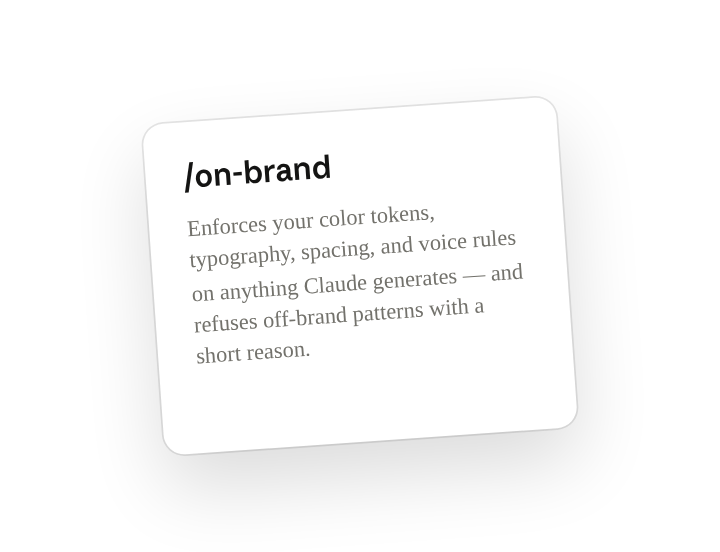
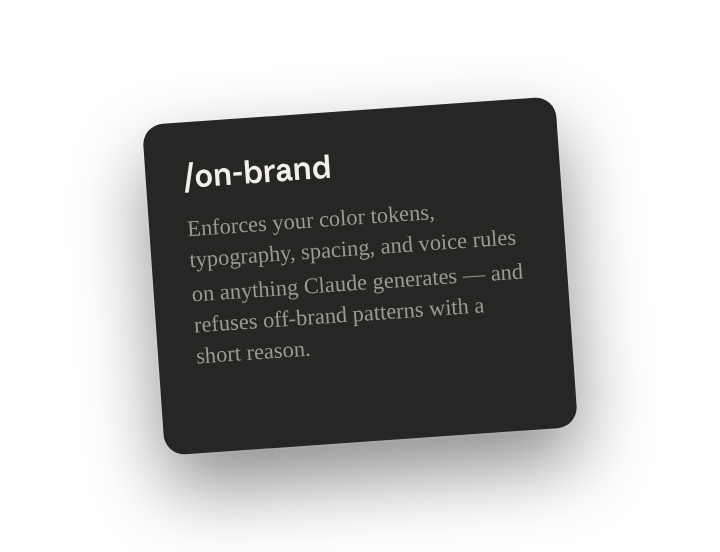
Turn the brand docs in this folder into a shared skill called /on-brand. The skill should enforce our color tokens, typography, spacing, and voice rules on any content or UI it generates, and refuse off-brand patterns with a short reason.
Why this works
Point at your docs. The folder chip plus "in this folder" tells Claude your guidelines are the authority, not what it knows about branding in general.
Name the output. Asking for "a shared skill called /on-brand" instead of "brand guidelines" is the difference between a reusable command and a one-time answer.
List what it covers. "Color tokens, typography, spacing, and voice" — naming the parts means Claude reads those sections of your docs first instead of guessing what counts as brand.
Define the failure case. "Refuse off-brand patterns with a short reason" is what makes the skill enforce rather than suggest, and the reason teaches whoever gets refused.
Get a better draft
Add an example to match. Drop an example you like into the folder and Cowork matches your structure and voice.
Ask it to flag uncertainty. Add "flag anything you're not confident about" so you know where to look first when you review the draft.
Make Cowork work for you
The plugin's /on-brand is a generic scaffold. Once Step 2 produces output that passes your own brand review, tell Cowork to harden it. Layer in your exception list, your sub-brand variations, your accessibility minimums, and the phrasing you never want to see. A few minutes of conversation and the skill enforces your system from then on.
Make what we've done in this task so far into a skill, or edit the /on-brand skill with my feedback.
Make it repeatable
Make it a live artifact
Guidelines change; the skill should too. Ask Cowork to publish a brand-compliance summary as a live artifact so anyone can see exactly what /on-brand enforces today. Re-run the skill (or schedule it) and the page reflects the latest guidelines.
Publish a one-page summary of what /on-brand enforces as a live artifact for the whole company.
Re-sync it with every guideline change
The brand evolves; the skill should follow without a ticket. Type /schedule in the prompt, or open Scheduled in the Cowork sidebar, and set the customized skill to rebuild itself weekly from the source folder and library.
/schedule Mondays at 9am, re-read Brand/System-Source and the Figma library and rebuild /on-brand, posting a short changelog of what the skill now enforces differently.
Each Monday at 9am, re-reads the guidelines folder and Figma library, rebuilds /on-brand, and posts a short changelog of what now enforces differently.
Share with your teammates
Your customized /on-brand now carries your tokens, your type scale, your voice rules, and your refusal list. Share it workspace-wide so marketing, product, sales, and support all generate from the same system, and the design team stops being the brand police after the fact.