Set up
Try a plugin
The Data plugin ships with /write-query and other warehouse-and-BI skills as a starting point, already structured to read a data model and write queries against it. If your admin manages plugins and it's not available yet, skip this; nothing below requires it.
Connect your tools
Claude Cowork is more powerful when it works directly with your systems. You control permissions and access. Learn about tool access(opens in new tab).
Navigate to Customize → Connectors in Cowork to set up.


Set your working folder
Drag the files you'll use (your schema export or dbt models, your metrics library, your data dictionary) into one folder and point Cowork at it. Cowork reads the model from there and writes the SQL, the result table, and the answer memo back to it. If you field ad-hoc questions regularly, create a Cowork project(opens in new tab) from that folder so your naming conventions and certified-metric list stay attached.
The prompt
Copy this into Claude Cowork
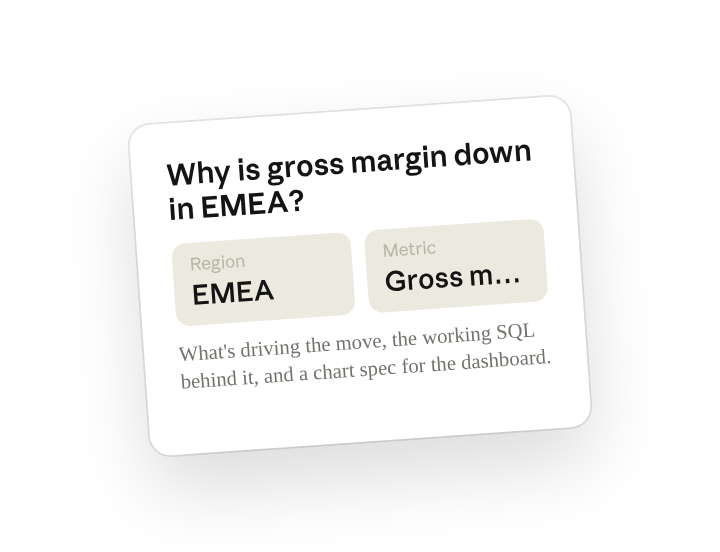
Here's the question from the business: "Why is gross margin down in EMEA this quarter?" Write the SQL to answer it, run it against the warehouse, and tell me what's driving the move. Then give me the chart spec to add to the dashboard so nobody has to ask again.
Why this works
Paste the question verbatim. Using their exact words keeps the answer aimed at what they asked, in the terms they used.
Ask for what's driving the number. "What's driving the move" is asking for the breakdown behind the number: which segment, which change, which date.
Ask for a reusable output. "Chart spec to add to the dashboard" is asking for something the asker can refresh themselves next time.
Let the working folder supply context. SQL is written against your tables and your metric names, not invented ones.
Get a better draft
Add an example to match. Drop an example you like into the folder and Cowork matches your structure and voice.
Ask it to flag uncertainty. Add "flag anything you're not confident about" so you know where to look first when you review the draft.
Make Cowork work for you
A plugin skill is a starting point — customize it with your own practices and expertise. A few minutes of conversation and it runs with your standards from then on.
Make what we've done in this task so far into a skill, or edit the /write-query skill with my feedback.
Make it repeatable
Run it on every inbound question
The ad-hoc queue never stops. Type /schedule in the prompt, or open Scheduled in the Cowork sidebar, and the customized skill watches your analytics-requests channel and drafts the query and answer before you've even read the message.
/schedule Every hour, check #analytics-requests for new questions, run /write-query on each one, and write the draft answer to Analytics/Inbox/<thread-id>.md for me to review before it goes back.
Hourly, reads new questions in #analytics-requests, runs /write-query against the warehouse, and writes a draft answer for review.
Share with your teammates
Your customized /write-query now carries your warehouse model, your certified metrics, and your answer format. Share it so every analyst writes SQL against the same definitions, and the business gets the same number no matter who they ask.