Set up
Try a plugin
The Marketing plugin ships with /performance-report and other performance-reporting skills as a starting point, already structured to compare spend, reach, and conversion across platforms and write the readout. If your admin manages plugins and it's not available yet, skip this; nothing below requires it.
Connect your tools
Claude Cowork is more powerful when it works directly with your systems. You control permissions and access. Learn about tool access(opens in new tab).
Navigate to Customize → Connectors in Cowork to set up.


Set your working folder
Drag the files you'll use (the platform exports, the campaign brief, last period's recap deck) into one folder on your machine, then point Cowork at it. Cowork reads from it and writes the analysis, recap deck, and live artifact link back to it. If you'll report on this campaign every week, create a Cowork project(opens in new tab) from that folder so the data sources, instructions, and scheduled runs stay attached.
The prompt
Copy this into Claude Cowork
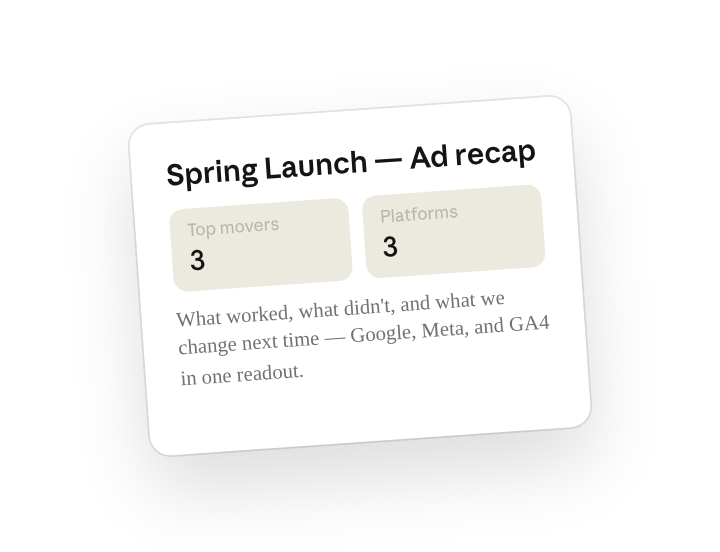
Analyze this campaign's ad performance and build the recap deck: what worked, what didn't, and what we change next time. Post a digest to the team Slack with the top three movers, and create a live shared artifact that stays updated from the underlying data.
Why this works
Ask for what to do next, with the data behind it. "What worked, what didn't, and what we change" means the analysis ends in a recommendation, not a table.
Set a length limit. "Top three movers" keeps the Slack post short enough that the team actually reads it.
Ask for an output that stays current. A live shared artifact gives stakeholders one link with current numbers — no re-sending decks when data updates.
Put the sources in one place. Google, Meta, and GA4 exports sit in one working folder, so the analysis joins spend to conversion across platforms without you stitching CSVs.
Get a better draft
Add an example to match. Drop an example you like into the folder and Cowork matches your structure and voice.
Ask for options. Add "draft three versions with different angles" and pick the one that works best.
Make Cowork work for you
A plugin skill is a starting point — customize it with your own practices and expertise. A few minutes of conversation and it runs with your standards from then on.
Make what we've done in this task so far into a skill, or edit the /performance-report skill with my feedback.
Make it repeatable
Run it on a schedule
The performance recap is due the same morning every week. Type /schedule in the prompt, or open Scheduled in the Cowork sidebar, and the customized skill pulls fresh data, refreshes the live artifact, rebuilds the deck, and posts the digest automatically.
/schedule Every Monday at 8am, run /performance-report against the connected ad platforms for this campaign, refresh the live artifact, write the recap deck to the performance folder, and post the top-three digest to #paid-media.
Runs /performance-report against the connected ad platforms, refreshes the live artifact, writes the recap deck to the performance folder, and posts the top-three digest to #paid-media.
Share with your teammates
Your customized /performance-report now carries your KPI definitions, your deck template, and your live-artifact layout. Share it so every campaign owner reports the same way, and leadership reads one consistent recap no matter which program it came from.