The Function integration allows Function members to securely view their lab test results, ask health questions, and get nutrition plans. This article explains how to set up and use the Function integration with Claude.
The Function integration relies upon Claude's ability to use remote connectors(opens in new tab).
What this integration provides
Function members can securely see a summary of their lab results, ask health questions, and access their nutrition plans. Function includes 160+ lab tests per year to monitor 1,000+ diseases, help uncover possible causes of unexplained symptoms, and create a roadmap for feeling your best. Test your heart, hormones, thyroid, liver, kidneys, toxins, nutrients, inflammation, autoimmunity, immunity and more.
With this connector, you can:
- See an at-a-glance summary of your lab results by category
- Understand which health areas may need more attention
- Get nutrition plans informed by your lab results
Who should use the Function integration
Function members interested in asking health questions in Claude. The Function Health connector is available to Claude Pro and Claude Max users in the United States.
More details on accessing the integration can be found in Function Health's MCP Server Documentation(opens in new tab).
Setting up the Function integration
For Individual Claude Users
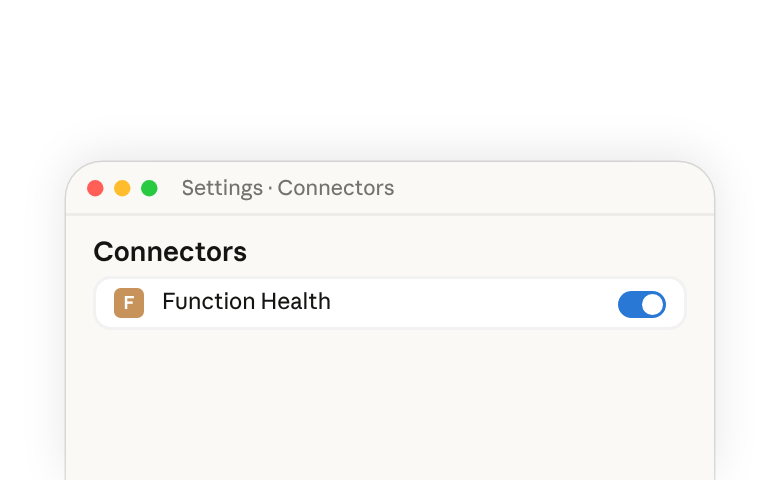
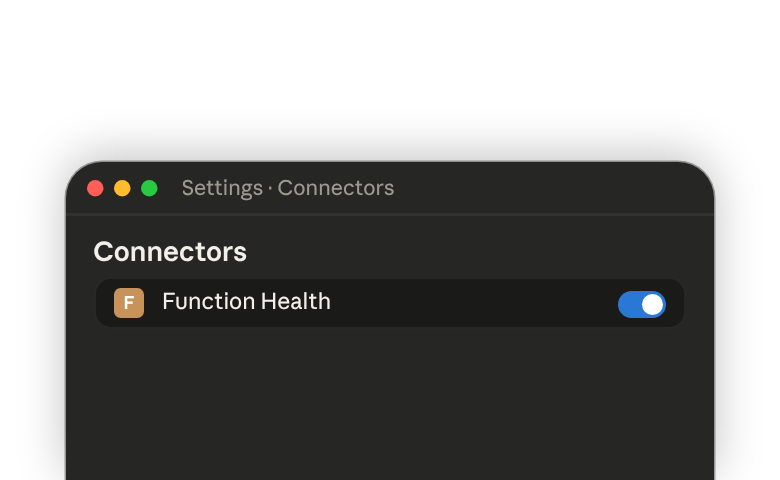
- From Claude.ai(opens in new tab) or the Claude Desktop App, navigate to Settings > Connectors (Note: initial connector set-up cannot be completed from the Claude Mobile app)
- Find "Function Health"
- Click "Connect"
- Follow the instructions to log in with your Function credentials
Learn about finding and connecting tools(opens in new tab) in Claude.
Technical details of the Function integration can be found in Function MCP Server Documentation(opens in new tab).
Example use cases
Get a health summary:
Summarize my overall Function lab results
Decide where to focus:
Which health categories are most out of range in my labs?
Review nutrition plans:
Show me my nutrition plan.
Get answers to health questions:
How's my heart health?
Track progress over time:
How have my lab results changed since my last Function test?
How does Claude protect my data privacy and safety?
Your health information is personal. That's why we've built Claude to work with integrations like Function with privacy and user empowerment at the core.
Connected only with your consent
Claude connects to Function only when you explicitly choose to enable the integration. Anthropic's Consumer Health Data Privacy Policy(opens in new tab) describes exactly how we collect, use, and protect your information—so you always know what to expect. We also protect sensitive health data from inadvertent sharing to other integrated connectors by requiring you to consent to each integration in conversations where Function data is being discussed.
Minimal data, maximum relevance
When you ask a health-related question, Claude pulls only the data it needs to answer that specific question. Your full health record isn't accessed unless it's relevant to what you're asking.
Your conversations stay private
Chats that use the Function integration are not used to train our models. We've designed our memory feature so that Claude does not use sensitive health data in future conversations, while still keeping in mind your areas of concern to inform your conversations.
Empowering you, not replacing your doctor
Claude is designed to help you better understand and take ownership of your healthcare journey — not to provide medical advice, diagnoses, or treatment recommendations. Always consult your physician for medical decisions.