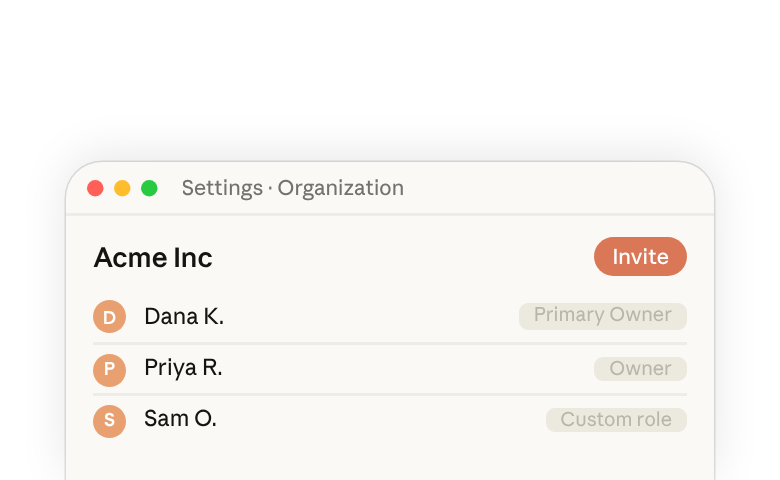
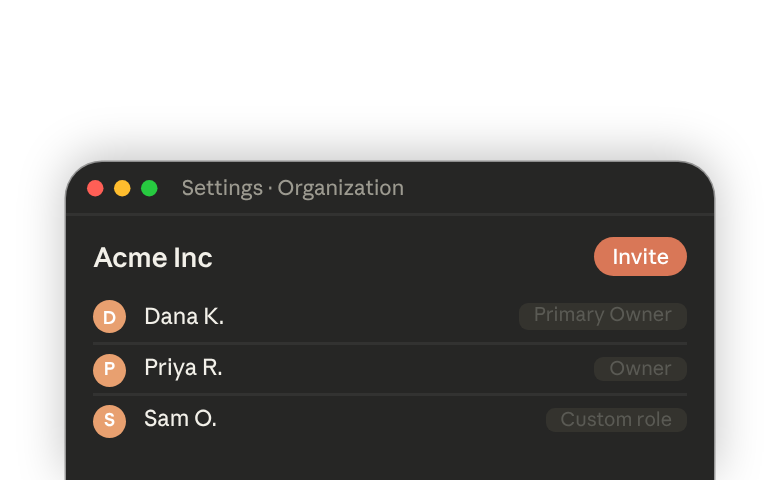
Availability. Generally available for Claude Enterprise organizations. Admins can turn it on today for the whole organization. Or, to start with selected roles, first move other members to a custom role with it turned off and add some members to a role with Chat and Cowork unified turned on. If you take no action, it turns on by default on the date in your general availability email. To opt-out for now, select Keep disabled in Organization settings > Capabilities.
Overview
Members no longer choose between chat and Cowork before they start. Conversations start as a chat. When a task needs to run code or work with files, Claude continues the same conversation in an isolated cloud sandbox managed by Anthropic, then returns the finished work for review.
One conversation, two modes. Claude makes the call to upgrade a chat to a workspace when your task needs to do something, like run code, create or edit files, analyze a dataset, or work across connected tools. Claude usually stays in chat for questions, brainstorming, and summarizing something you paste in.
- Work moves across devices. Members can start a task in the desktop app and pick it up on web or mobile.
- Local access stays optional. Through the desktop app, members can link their computers so Claude can work with local folders, local MCP servers, and applications, governed by your device policies, and by
Computer accessfor web, mobile, and scheduled tasks. - The conversation stays on record. Chat history, sharing, export, the Compliance API, and your data retention setting all work from the conversation.
- A sandbox for each conversation. Each conversation that needs one gets its own virtual machine, managed by Anthropic. After a few minutes idle, it stops and its disk is saved as an encrypted snapshot.
Cost and controls
Spend
- Pricing stays usage-based, and the spend controls you have today apply. Depending on the task, agentic work can use more tokens than a quick chat; Claude Enterprise admins have controls for managing this usage.
- Spend limits can be set at the organization, group, and member level, and pooled group budgets give a group one shared monthly amount to draw from.
- Your model allowlist applies to unified Claude.
Efficient modekeeps unified Claude on Sonnet and Haiku models, and new sessions start on Claude Sonnet 5.5 at low effort. Turn it on for the whole organization on theModelspage, or for specific custom roles. Other products aren't affected.
Security controls
- Identity carries over. SSO (SAML/OIDC), SCIM provisioning, and tenant restrictions apply, with no separate sign-in.
- Connector policies (
Blocked,Needs approval, and per-role restrictions) are enforced by Anthropic outside the sandbox, on every remote connector call. Turn offAlways allowto have Claude ask permission - Sharing. Conversations where Claude did agentic work, like running code or creating files, can be shared only when both
Share chatsandShare cloud sessionsare on. - Network egress is off by default for Enterprise. Choose off, package managers only, a custom list of domains, or all domains.
- Approval modes. Turn off
Skip all approvals,Automatically approve, andAlways allowso Claude asks before calling a connector or using a linked computer. Shell and file work inside the cloud sandbox doesn't ask. Computer accessandTrusted Devicescontrol whether web, mobile, and scheduled tasks can use a member's linked computer, and require members to verify each new device.
Management and visibility
Turn on the unified experience
- Requires
ChatandCloud code execution and file creation.CoworkandCowork in the clouddon't need to be on. - Owners or Primary Owners turn on
Chat and Cowork unifiedinOrganization settings > Capabilities, which gives it to everyone on a built-in role. To limit access, first move other members to a custom role with it turned off inOrganization settings > Roles. Sync role membership through SCIM to add members in waves. - Most scheduled tasks keep running with no changes. Tasks that use files or tools on a member's computer need that computer on and the Claude desktop app open. Session history carries over, and sessions run locally stay on that computer.
Recommended rollout
- Review. Share with IT, security, and procurement. Your review covers two components: Claude chat and Cowork in the cloud.
- Pilot in a sandbox organization or with one role, after checking your egress, connector, sharing, and
Computer accesssettings. - Expand in waves after two to four weeks of monitoring usage and feedback.
Usage and analytics
- Its own line. Usage is reported as
Chat and Cowork unified. Only where it's filed changes, not how it's counted or billed. - Add it in. When you total Chat and Cowork spend, tokens, or messages, include the unified line. For headcount, use the overall active users count.
- Analytics. A
Chat and Cowork unifiedanalytics dashboard sits underAnalytics > Chat and Cowork unified. New activity can take up to two days to show up. - APIs. Existing keys work with the Compliance, Analytics, Cost and Usage, and Admin APIs.
Data retention
- Conversations, and the cloud sessions started in them, follow member deletion or your custom retention setting (30-day minimum), per our data retention practices(opens in new tab).
- Not covered by custom retention: standalone Cowork cloud sessions, scheduled task runs, Cowork history stored on a member's computer, and memory of members who have left your organization.
Important exceptions. Not yet available for organizations using zero data retention for Claude Code, the HIPAA-ready configuration, or customer-managed encryption keys. These organizations stay on their current configuration. On mobile, admins can't yet limit access to selected roles, but can block mobile access through your identity provider.