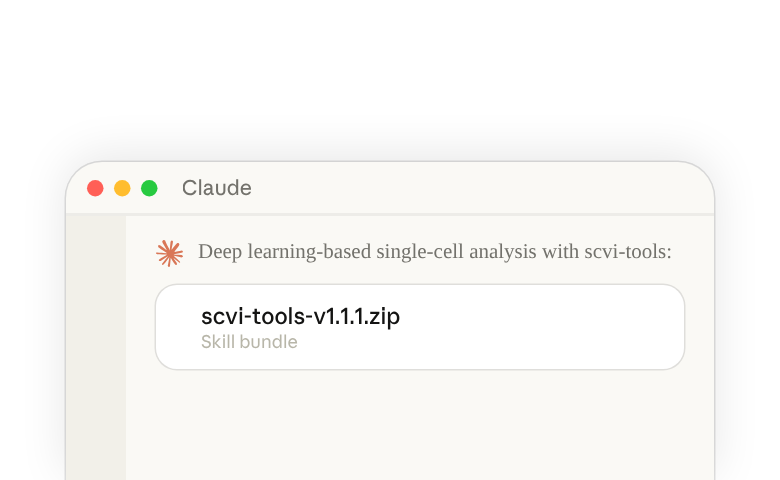
What is the scVI-Tools skill bundle?
A single skill that provides comprehensive access to deep learning-based single-cell analysis using scvi-tools and the scVerse ecosystem, covering batch integration (scVI, scArches), cell type annotation (SCANVI, CellAssign), spatial transcriptomics deconvolution (DestVI, Tangram, cell2location, Stereoscope), chromatin accessibility analysis (PeakVI, scBasset), multimodal data integration (TotalVI for CITE-seq, MultiVI for RNA+ATAC), and perturbation analysis (contrastiveVI). Each skill provides step-by-step workflows, parameter tuning guidance, and troubleshooting for its respective scvi-tools model.
Who should use the scVI-Tools skill bundle?
This skill is designed for scientists analyzing single-cell, including spatial, epigenetic and scRNA, data who want to leverage deep learning methods from scvi-tools without needing to read through extensive documentation—particularly useful for researchers working with multi-batch experiments, multimodal assays (CITE-seq, multiome), spatial transcriptomics, or scATAC-seq who need guidance on model selection, parameter tuning, and best practices.
How to access the skills in Claude Code
- Download the ZIP file for the scvi-tools skill(opens in new tab)
- On your own computer, unzip it into a new folder named
scvi-toolsinside~/.claude/skills/, so that the skill'sSKILL.mdfile is at~/.claude/skills/scvi-tools/SKILL.md - Start Claude Code and run
/skillsto check that scvi-tools is listed
Learn about where Claude Code loads skills from(opens in new tab).
How to access the skill in Claude.ai(opens in new tab)
For Organization Owners (Team and Enterprise)
- Download the ZIP for the scvi-tools skill here(opens in new tab)
- Open Organization settings(opens in new tab), search for “Skills” and click the first result. Make sure the switches for skills and code execution are both turned on.
- Open your organization’s skills and plugins(opens in new tab), select the add button at the top, and upload the skill zip file
Learn about provisioning and managing skills for your organization(opens in new tab)
For Individual Claude Users
- Download the ZIP file for the scvi-tools skill here(opens in new tab)
- Open skills in Claude(opens in new tab) and select Add. If you don’t see skills or Add, search Settings for “Code execution” and make sure it’s on (on a Team or Enterprise plan, contact your team admin).
- Choose the upload option, then select the skill zip file