What is the Instrument Data to Allotrope skill?
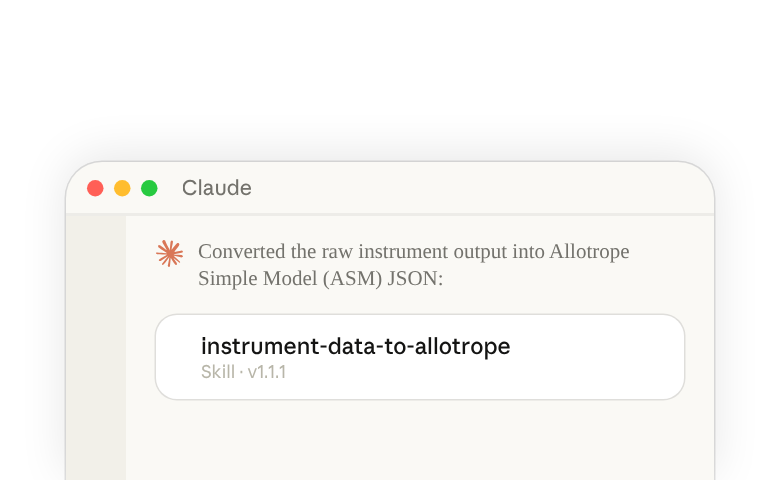
The instrument-to-allotrope skill converts raw laboratory instrument output files (CSVs, Excel, Txt, etc.) into standardized Allotrope(opens in new tab) Simple Model (ASM) JSON format or flattened 2D CSVs for easier integration with LIMS, ELNs, and data lakes. It auto-detects instrument types and when applicable, uses the allotropy library(opens in new tab) (authored by Benchling) to parse files. It also generates exportable Python parser code so data engineers can reliably replicate the conversion in production pipelines. Users may consider customizing the skill to use their specific data schemas or file output formats instead of the Allotrope standard.
Who should use the Instrument Data to Allotrope skill?
This skill is designed for lab scientists, data managers, and informatics teams working with laboratory instruments who need to standardize disparate instrument outputs (cell counters, plate readers, spectrophotometers, etc.) into a consistent format for downstream analysis, regulatory submissions, or integration with enterprise data systems without writing code from scratch.
How to access the skill in Claude.ai(opens in new tab)
For Organization Owners (Team and Enterprise)
- Download the ZIP for the instrument-data-to-allotrope skill here(opens in new tab)
- Open Organization settings(opens in new tab), search for “Skills” and click the first result. Make sure the switches for skills and code execution are both turned on.
- Open your organization’s skills and plugins(opens in new tab), select the add button at the top, and upload the skill zip file
Learn about provisioning and managing skills for your organization(opens in new tab)
For Individual Claude Users
- Download the ZIP file for the instrument-data-to-allotrope skill here(opens in new tab)
- Open skills in Claude(opens in new tab) and select Add. If you don’t see skills or Add, search Settings for “Code execution” and make sure it’s on (on a Team or Enterprise plan, contact your team admin).
- Choose the upload option, then select the skill zip file
How to access the skills in Claude Code
- Download the ZIP file for the instrument-data-to-allotrope skill(opens in new tab)
- On your own computer, unzip it into a new folder named
instrument-data-to-allotropeinside~/.claude/skills/, so that the skill'sSKILL.mdfile is at~/.claude/skills/instrument-data-to-allotrope/SKILL.md - Start Claude Code and run
/skillsto check that instrument-data-to-allotrope is listed
Learn about where Claude Code loads skills from(opens in new tab).